




Name Copy and Paste: How to Get Cool Name Fonts and Symbols
Want a name that stands out on Instagram, Discord, or in a game lobby? You don’t need to design anything. You can copy a styled name from a text generator and paste it where you need it.
Table Of Content
- Name Copy and Paste: How to Get Cool Name Fonts and Symbols
- What Is Name Copy and Paste?
- Why Do People Use Styled Names?
- How to Copy and Paste a Stylish Name (Step by Step)
- Keyboard Shortcuts for Copying and Pasting
- Popular Name Styles You Can Copy
- Where Can You Use a Copy-and-Paste Name?
- Tips for Choosing a Name That Works
- Common Problems and How to Fix Them
- Why Do Some Letters Show as Empty Boxes?
- Why Is My Pasted Name Rejected?
- Why Can’t People Search for My Name?
- Is It Safe to Use Name Generators?
- Accessibility: Something Most Guides Skip
- Quick Do’s and Don’ts
- Frequently Asked Questions
- Conclusion
This guide shows you how name copy and paste works, which styles are worth using, and where it can go wrong.
What Is Name Copy and Paste?
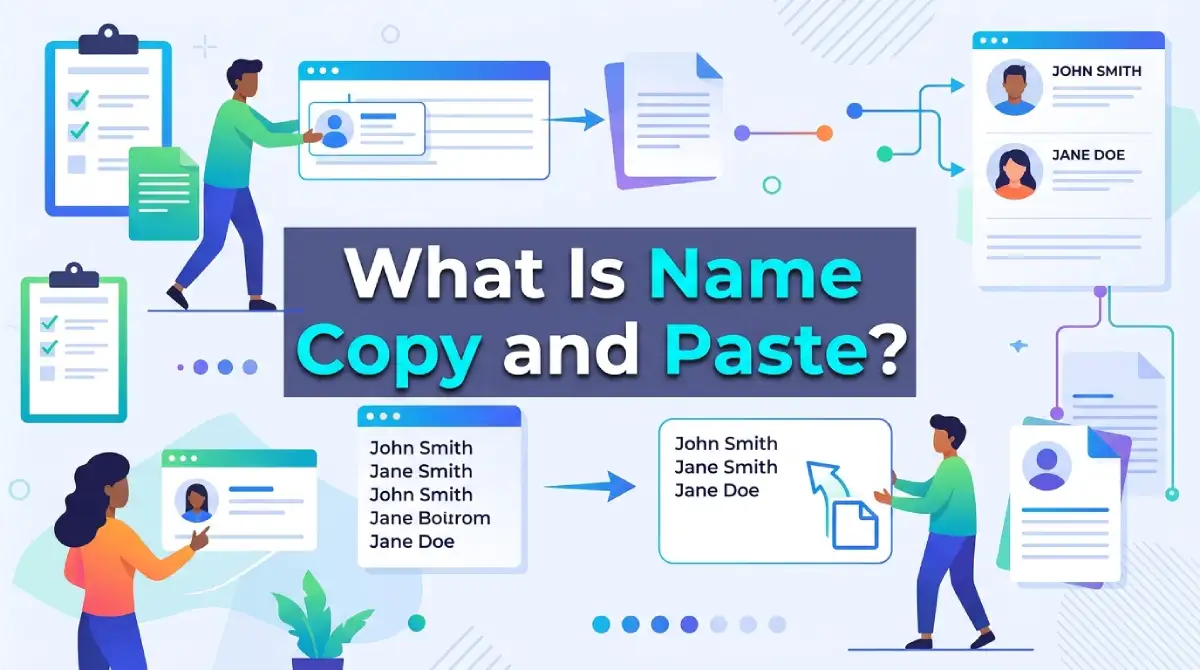
Name copy and paste means taking a name written in a decorative style and pasting it into a profile, bio, or username field. The fancy letters are not real fonts. They are Unicode characters that look like styled letters.
Because they are plain text characters, they travel anywhere text can go. That is why you can paste them into apps that don’t let you change fonts.
Why Do People Use Styled Names?
Most apps give you one font and no way to change it. A styled name is a small way to add personality without any design skills.
Common reasons include:
Making a profile easier to spot in a crowded comment section
Matching a gaming persona or clan identity
Giving a bio a cleaner, more polished look
Keeping a consistent look across several platforms
How to Copy and Paste a Stylish Name (Step by Step)
Open a text style generator. Any free fancy text tool works.
Type your name in the input box.
Scroll through the styles it produces.
Select your favourite and tap or click copy.
Paste it into your profile, bio, or name field.
Check the preview before you save.
Keyboard Shortcuts for Copying and Pasting
| Device | Copy | Paste |
|---|---|---|
| Windows | Ctrl + C | Ctrl + V |
| Mac | Cmd + C | Cmd + V |
| Android / iPhone | Long-press, then Copy | Long-press, then Paste |
Popular Name Styles You Can Copy
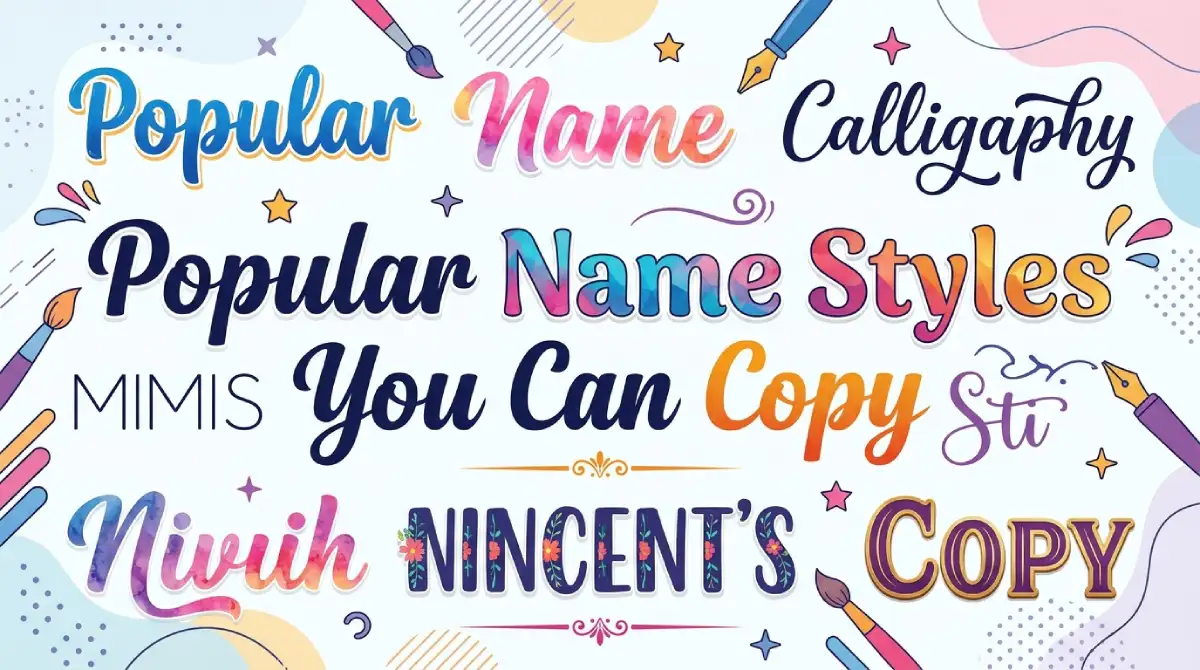
Here are some common looks. The examples use “Name” so you can see the difference.
| Style | Example | Best For |
|---|---|---|
| Bold | 𝐍𝐚𝐦𝐞 | Clean, readable bios |
| Script / cursive | 𝓝𝓪𝓶𝓮 | Social media profiles |
| Small caps | ɴᴀᴍᴇ | Minimal, modern looks |
| Circled | Ⓝⓐⓜⓔ | Playful usernames |
| Double-struck | ℕ𝕒𝕞𝕖 | Gaming tags |
Pick one style and stick with it. Mixing three or four in one name looks messy.
Where Can You Use a Copy-and-Paste Name?
Most places that accept plain text will take these characters. Common uses include:
Instagram and TikTok display names
Discord nicknames and server names
Gaming profiles and clan tags
WhatsApp and Telegram bios
YouTube channel descriptions
Rules differ from one platform to the next. Some apps limit special characters in the username itself but allow them in the display name. Check the field’s rules if your paste gets rejected.
Tips for Choosing a Name That Works
A fancy name should still be easy to find and read. These tips help:
Keep it short. Long decorative names get cut off on small screens.
Use one style. Consistency looks intentional.
Preview on mobile. Some symbols render differently on older phones.
Avoid symbols in the handle. Keep your searchable username in plain letters so friends can find you.
Don’t copy someone else’s identity. Pick something original and avoid impersonating real people or brands.
Common Problems and How to Fix Them

Why Do Some Letters Show as Empty Boxes?
The device or app doesn’t have a font that includes those characters. Try a different style, or update your app and operating system.
Why Is My Pasted Name Rejected?
The field may block special characters. Use plain letters in the username and keep the styled version for the display name.
Why Can’t People Search for My Name?
Search usually matches standard letters. A styled name may not appear when someone types a regular spelling, so keep your main handle in plain text.
Is It Safe to Use Name Generators?
Most generators are harmless, but it pays to be careful.
Never enter passwords or personal details. A name tool only needs your name.
Avoid downloads. Browser-based tools are enough, so skip anything asking you to install software.
Be wary of heavy pop-ups. Aggressive ads are a sign to close the tab.
Use a nickname if you prefer. You don’t have to type your real full name.
Accessibility: Something Most Guides Skip

Screen readers often read styled characters badly. A name in script letters may be read out as a string of symbol descriptions rather than a name. If accessibility matters to you or your audience, use plain text for anything important, such as a business name or a contact handle.
Quick Do’s and Don’ts
| Do | Don't |
|---|---|
| Preview on phone and desktop | Mix many styles in one name |
| Keep a plain-text username | Use decorative text for business contact info |
| Choose readable styles | Overload the name with symbols |
| Use trusted browser tools | Install unknown apps |
Frequently Asked Questions
Is name copy and paste free?
Yes. Most text style generators are free and work in your browser with no sign-up.
Do copy-and-paste names work on every platform?
Not always. Most apps accept them in display names, but some restrict special characters in usernames.
Are these real fonts?
No. They are Unicode characters that resemble styled letters, which is why they can be pasted as plain text.
Why does my styled name look different on another phone?
Different devices support different character sets. Older systems may show boxes or plain substitutes.
Can I use a fancy name for my business?
You can, but keep your searchable business name in plain text. Styled characters can hurt discoverability and accessibility.
Will a fancy name get my account banned?
Styled text alone is not usually a problem. Impersonation or misleading names can break platform rules.
Conclusion
Name copy and paste is a quick way to give your profile a personal touch. Generate your name, pick one readable style, and paste it into the display field. Keep your searchable username in plain letters, preview the result on mobile, and stick to trusted browser tools.
Follow those habits and you’ll get a name that looks good, works across devices, and is easy for people to find.

Emma Carter is a social media content writer and Instagram enthusiast who loves creating creative, stylish, and unique bio ideas. She helps Instagram users find the perfect words to express their personality, mood, style, and vibe.
At Bios4IG, Emma shares fresh Instagram bio ideas, captions, and profile inspiration designed to make your Instagram profile stand out.




No Comment! Be the first one.