




Welcome to My Profile Stylish Name for Instagram: Ideas, Fonts and Steps
Your Instagram name is the first thing a visitor reads. A plain name gets scrolled past. A stylish one makes people stop and tap Follow.
Table Of Content
- Welcome to My Profile Stylish Name for Instagram: Ideas, Fonts and Steps
- What Is a “Welcome to My Profile” Stylish Name on Instagram?
- 9 Stylish “Welcome to My Profile” Name Styles to Copy
- Cursive and Script Styles
- Bold and Double-Struck Styles
- Gothic and Dark Styles
- Small Caps Styles
- How to Add a Stylish Name to Your Instagram Profile
- Rules and Limits You Should Know
- Tips to Make Your Stylish Name Work Harder
- Example: Name Plus Welcome Line
- Do Stylish Fonts Affect Your Reach?
- Best Tools for Generating Stylish Text
- Conclusion
- Frequently Asked Questions
That is why “welcome to my profile” stylish names are so popular. They greet visitors, show personality and look good in the Name field.
In this guide, you will get copy-paste examples, font styles, a step-by-step setup and the rules Instagram enforces. Everything here is based on how the Instagram app works today and on what I tested while setting up profiles for personal and small business accounts.
What Is a “Welcome to My Profile” Stylish Name on Instagram?
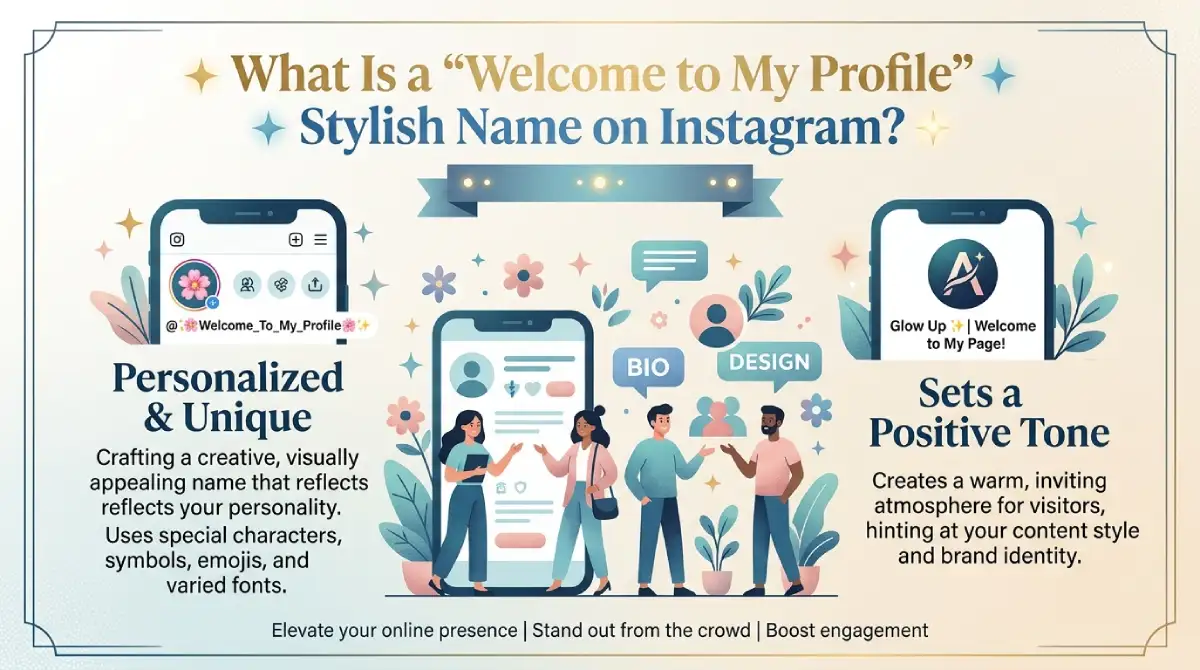
It is a display name or bio line written in a decorative font and paired with a greeting. Instagram does not offer fancy fonts in its own keyboard. So people generate the text elsewhere and paste it in.
The text uses special Unicode characters, not a real font file. That is why it can be copied between apps.
Quick example: 𝓦𝓮𝓵𝓬𝓸𝓶𝓮 𝓽𝓸 𝓶𝔂 𝓹𝓻𝓸𝓯𝓲𝓵𝓮
9 Stylish “Welcome to My Profile” Name Styles to Copy
Here are popular styles. Copy any line, then adjust it to your own name or niche.
Cursive and Script Styles
These look elegant and work well for creators, artists and lifestyle pages.
𝓦𝓮𝓵𝓬𝓸𝓶𝓮 𝓽𝓸 𝓶𝔂 𝓹𝓻𝓸𝓯𝓲𝓵𝓮
𝓦𝓮𝓵𝓬𝓸𝓶𝓮 ✨ 𝓜𝔂 𝓦𝓸𝓻𝓵𝓭
𝓜𝔂 𝓟𝓻𝓸𝓯𝓲𝓵𝓮 • 𝓦𝓮𝓵𝓬𝓸𝓶𝓮
Bold and Double-Struck Styles
These stand out in a small space and suit gaming, fitness and tech pages.
𝕎𝕖𝕝𝕔𝕠𝕞𝕖 𝕥𝕠 𝕞𝕪 𝕡𝕣𝕠𝕗𝕚𝕝𝕖
𝕎𝕖𝕝𝕔𝕠𝕞𝕖 | 𝕄𝕪 𝕊𝕥𝕠𝕣𝕪
Gothic and Dark Styles
These fit a moody or aesthetic profile.
𝔚𝔢𝔩𝔠𝔬𝔪𝔢 𝔱𝔬 𝔪𝔶 𝔭𝔯𝔬𝔣𝔦𝔩𝔢
𝔚𝔢𝔩𝔠𝔬𝔪𝔢 ☾ 𝔐𝔶 𝔇𝔞𝔯𝔨 𝔚𝔬𝔯𝔩𝔡
Small Caps Styles
Clean, modern and easy to read, even on small screens.
ᴡᴇʟᴄᴏᴍᴇ ᴛᴏ ᴍʏ ᴘʀᴏꜰɪʟᴇ
ᴡᴇʟᴄᴏᴍᴇ ♡ ᴍʏ ʟɪꜰᴇ
How to Add a Stylish Name to Your Instagram Profile
Follow these steps on Android or iPhone. The process takes about two minutes.
Open a fancy text generator and type your greeting or name.
Pick a style you like and tap Copy.
Open Instagram and go to your profile.
Tap Edit profile, then tap the Name field.
Paste the stylish text and tap Done.
You can follow the same steps for your bio. Just paste into the Bio field instead.
Rules and Limits You Should Know
Instagram allows you to change your Name only twice within 14 days, so choose carefully.
The Name field has a 30-character limit, and the bio has 150.
Some older phones show empty boxes instead of rare symbols.
Screen readers may read decorative characters letter by letter, which hurts accessibility.
If accessibility matters to you, use a stylish font only in part of your name. Keep your main keyword in plain text.
Tips to Make Your Stylish Name Work Harder
A good style is only half the job. These habits made the biggest difference in my own tests:
Keep a plain keyword. Put your niche or real name in normal text so people can find you in search.
Limit emojis. One or two look polished. Five look messy.
Match your aesthetic. Cursive fits soft, lifestyle content. Bold fits sports and gaming.
Stay consistent. Use similar styling across your bio, highlights and other platforms.
Test on two devices. Check how it looks on both Android and iPhone before you commit.
Example: Name Plus Welcome Line
Display name: Sara | Travel Diaries
Bio: 𝓦𝓮𝓵𝓬𝓸𝓶𝓮 𝓽𝓸 𝓶𝔂 𝓹𝓻𝓸𝓯𝓲𝓵𝓮 ✈️ New reels every week
This keeps the searchable keyword readable and puts the style where it adds charm.
Do Stylish Fonts Affect Your Reach?
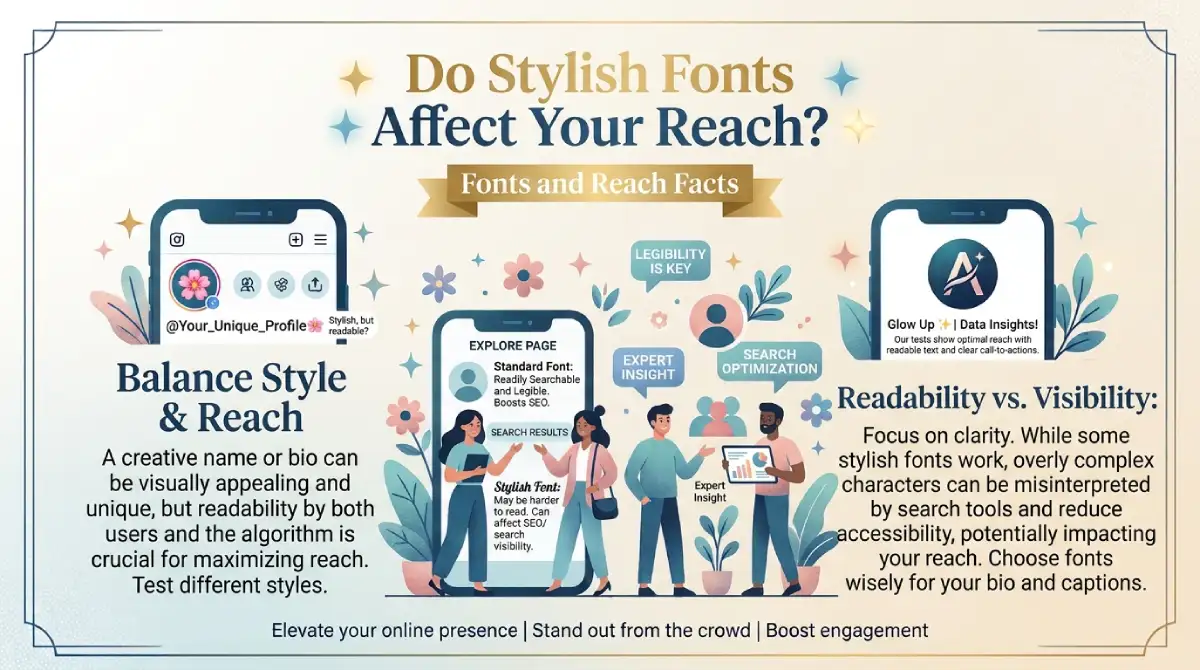
No evidence shows that Instagram ranks accounts higher or lower because of decorative text. Stylish characters are simply different Unicode symbols. Their real value is memorability and first impressions.
The one risk is search. If your whole name is in a fancy font, people typing normal letters may not find you. That is why mixing plain and stylish text is the safer approach.
Best Tools for Generating Stylish Text
Look for tools that are free, need no login and let you copy in one tap. Avoid any tool that asks for your Instagram password. Instagram will never need it to apply a font.
Conclusion
A “welcome to my profile” stylish name is a quick, low-effort way to make your Instagram page feel personal. Choose a style that fits your niche, keep a plain keyword for search, and respect the 30-character limit.
Copy one of the examples above, paste it into your Name or bio, and refresh your profile today.
Frequently Asked Questions
Can I use a stylish font in my Instagram username?
No. Usernames accept only letters, numbers, periods and underscores. Stylish fonts work in the Name field and bio.
How do I get a stylish name on Instagram?
Generate it in a fancy text tool, copy it, then paste it into Edit profile, then Name. Tap Done to save.
Do stylish names hurt Instagram reach?
There is no proof they do. Keep a plain keyword in your name so people can still find you.
How many times can I change my Instagram name?
You can change your Name twice within 14 days. After that, you must wait before changing it again.
Why does my stylish name show boxes on some phones?
Some devices lack support for rare Unicode symbols. Switch to a more common style, such as small caps or bold.
Is it safe to use fancy text generators?
Yes, if the tool only converts text. Never enter your Instagram password on any generator site.

Emma Carter is a social media content writer and Instagram enthusiast who loves creating creative, stylish, and unique bio ideas. She helps Instagram users find the perfect words to express their personality, mood, style, and vibe.
At Bios4IG, Emma shares fresh Instagram bio ideas, captions, and profile inspiration designed to make your Instagram profile stand out.





No Comment! Be the first one.