




Instagram Ka Naam: How to Choose, Create and Change It
Your Instagram ka naam is the first thing people notice on your profile. A weak or confusing name makes you hard to find. A clear one helps people remember you, search for you and trust you.
Table Of Content
- Instagram Ka Naam: How to Choose, Create and Change It
- What Does “Instagram Ka Naam” Mean?
- Why Your Instagram Name Matters
- How to Choose a Good Instagram Name
- How to Change Your Instagram Name (Step by Step)
- Limits You Should Know
- Common Mistakes to Avoid
- Where Did the Name “Instagram” Come From?
- Conclusion
- Frequently Asked Questions
This guide explains the difference between your name and username, shows you how to pick a good one, and walks you through changing it. Last updated: November 2026.
What Does “Instagram Ka Naam” Mean?
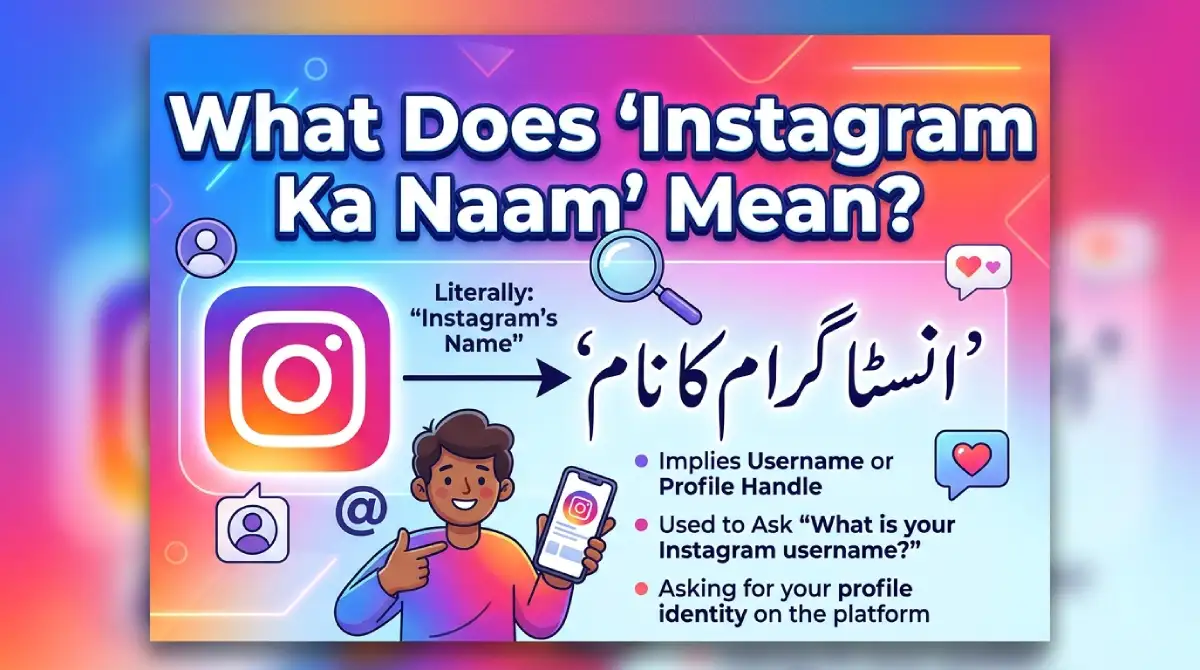
People search this phrase for three reasons:
They want ideas for a new profile name or username.
They want to know how to change their current name.
They are curious where the name “Instagram” came from.
This article covers all three.
Why Your Instagram Name Matters
A good name does real work for you:
Easier to find: Instagram search looks at both your name and username.
Stronger branding: A clear name tells visitors what your page is about.
More trust: Random numbers and odd spellings can look like a spam account.
Easier to share: A short handle is simple to say out loud or write on a card.
How to Choose a Good Instagram Name
Follow these steps before you commit to a handle.
Decide your niche. Fitness, food, travel, fashion, education or personal brand. Your name should hint at it.
Keep it short. Aim for 15 characters or fewer.
Make it easy to say. If a friend can’t spell it after hearing it once, simplify it.
Avoid too many numbers. One or two are fine. Long strings look untidy.
Check availability. Type the handle into the username field. If it is taken, Instagram tells you straight away.
Match your other platforms. The same handle on YouTube, X and Facebook makes you easier to find.
How to Change Your Instagram Name (Step by Step)
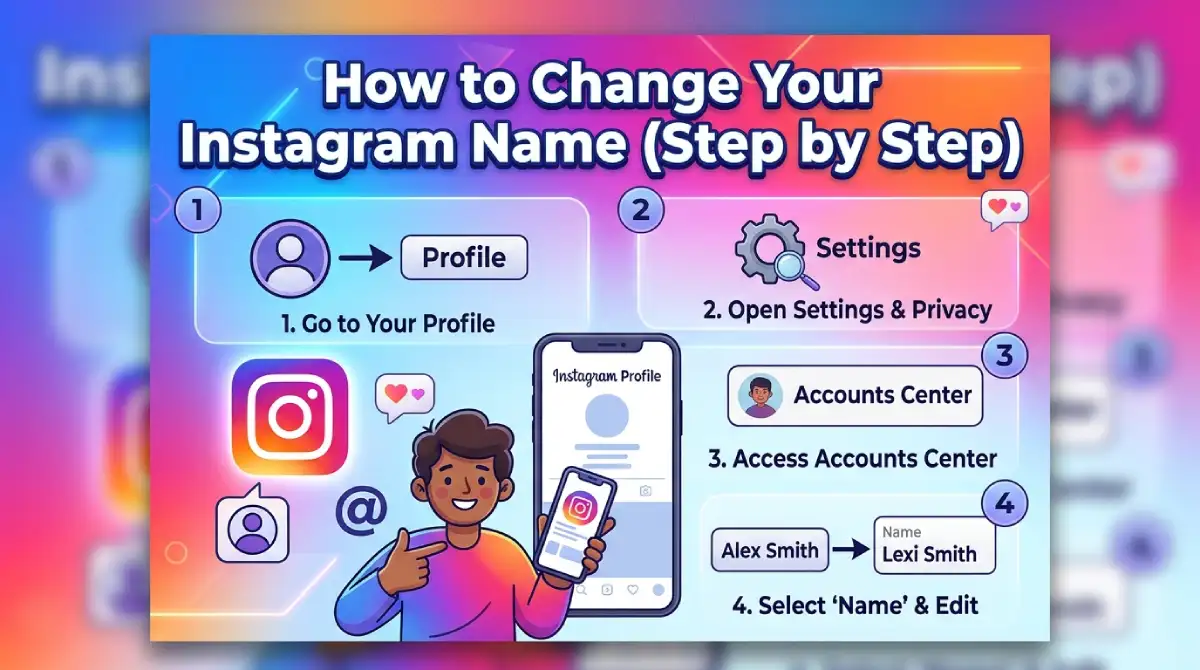
These steps work on the Instagram mobile app. Menu labels can shift slightly after updates.
Open Instagram and tap your profile picture at the bottom right.
Tap Edit profile.
Tap Name to change your display name, or Username to change your handle.
Type the new name. For a username, wait for the green tick that shows it is available.
Tap Done or the tick mark to save.
Limits You Should Know
Instagram limits how often you can change your display name. At the time of writing, that is twice within 14 days. Check the in-app message, as limits can change.
Your old username may become available to other people once you leave it.
Links to your old profile URL stop working after a username change, so update your bio links elsewhere.
If you run a business, tell your followers before changing the handle. A short Story post works well and avoids confusion.
Common Mistakes to Avoid
Using a name that looks like another brand or famous person.
Filling the handle with special-looking letters that are hard to type.
Changing your name again and again, which confuses followers.
Copying a popular creator’s handle with one letter changed.
Also keep your own safety in mind. Parents should check that a child’s name does not reveal their school, address or full birth date.
Where Did the Name “Instagram” Come From?
Instagram was founded by Kevin Systrom and Mike Krieger, and it grew out of an earlier app called Burbn. The name blends “instant camera” with “telegram,” because the app was built to send quick photo updates. Meta now owns the platform.
Conclusion
Your Instagram ka naam shapes how people find and remember you. Pick a short, clear name that fits your niche, check that it is available, and keep your username and display name working together. If you ever need a change, the edit profile screen takes less than a minute.
Choose your name carefully once, and you won’t need to rebuild your audience later.
Frequently Asked Questions
Instagram ka naam kaise change karein?
Go to Profile, tap Edit profile, then tap Name or Username, enter the new one and save it.
Can I have the same name as another person on Instagram?
Your display name can match someone else’s, but your username must be unique.
What is the best length for an Instagram username?
Keep it under 15 characters so it is easy to read, type and remember, even though the limit is 30.
Can I use emojis in my Instagram username?
No. Usernames allow only letters, numbers, periods and underscores, but your display name can include emojis.
Will I lose followers if I change my username?
No. Your followers, posts and messages stay the same, though old profile links stop working.
Why does Instagram say my username isn’t available?
Someone else already has that handle, so try adding a period, underscore or short extra word.
Does my Instagram name affect search?
Yes. Instagram search looks at both your name and username, so including your niche or brand helps.

Emma Carter is a social media content writer and Instagram enthusiast who loves creating creative, stylish, and unique bio ideas. She helps Instagram users find the perfect words to express their personality, mood, style, and vibe.
At Bios4IG, Emma shares fresh Instagram bio ideas, captions, and profile inspiration designed to make your Instagram profile stand out.





No Comment! Be the first one.