




Instagram Name Generator: How to Find a Catchy, Available Username
Your Instagram username is the first thing people see. It shows up in search, in tags, and in your profile link. A weak one is easy to forget, and a good one sticks.
Table Of Content
- Instagram Name Generator: How to Find a Catchy, Available Username
- What Is an Instagram Name Generator?
- Instagram Username Rules You Need to Know First
- How to Use an Instagram Name Generator (Step by Step)
- Instagram Name Ideas by Niche
- Personal and Aesthetic Accounts
- Business and Brand Accounts
- Fitness and Food Accounts
- Travel and Photography Accounts
- Tips for Choosing a Name That Lasts
- What to Do If Your Name Is Taken
- Can You Trust a Free Instagram Name Generator?
- Frequently Asked Questions
- Conclusion
An Instagram name generator removes the guesswork. You enter a few words, and the tool gives you a list of handle ideas to test. This guide explains how these tools work, what Instagram allows, and how to pick a name you won’t regret.
What Is an Instagram Name Generator?
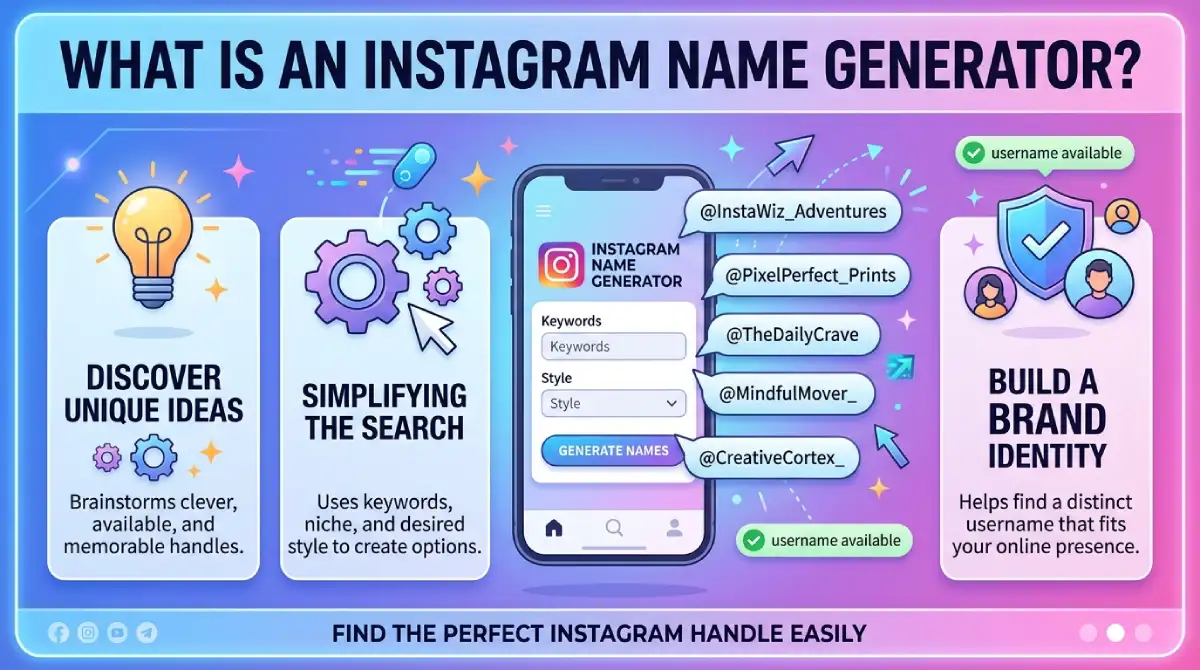
An Instagram name generator is an online tool that creates username ideas from your input. You usually type your name, a keyword, or your niche. The tool then mixes words, numbers, and separators into possible handles.
Most generators fall into two groups:
Random generators: They combine words for fun or quirky results.
AI-powered generators: They use your niche, tone, and keywords to suggest brandable names.
Neither type can promise a name is free. You still have to check availability inside Instagram.
Instagram Username Rules You Need to Know First
Check the limits before you fall in love with a name. Here is the quick checklist:
Use up to 30 characters.
Use only letters, numbers, periods, and underscores.
Don’t use spaces, emojis, or symbols like @, #, or &.
Don’t use two periods in a row.
Don’t start or end the name with a period.
Many generators don’t trim names that run over 30 characters, so count before you claim one. For the official wording, see Instagram’s Help Center.
How to Use an Instagram Name Generator (Step by Step)
Follow this simple process to get better results:
Choose your seed words. Pick your name, your niche, or one word that describes your content.
Select a style. Choose professional, playful, minimal, or bold if the tool offers it.
Generate several batches. Don’t settle on the first list. Run it 3 to 5 times.
Shortlist 5 names. Pick the ones that are easy to say and spell.
Check availability. Type each one into Instagram’s username field.
Test it out loud. If a friend can’t spell it after hearing it once, drop it.
Instagram Name Ideas by Niche
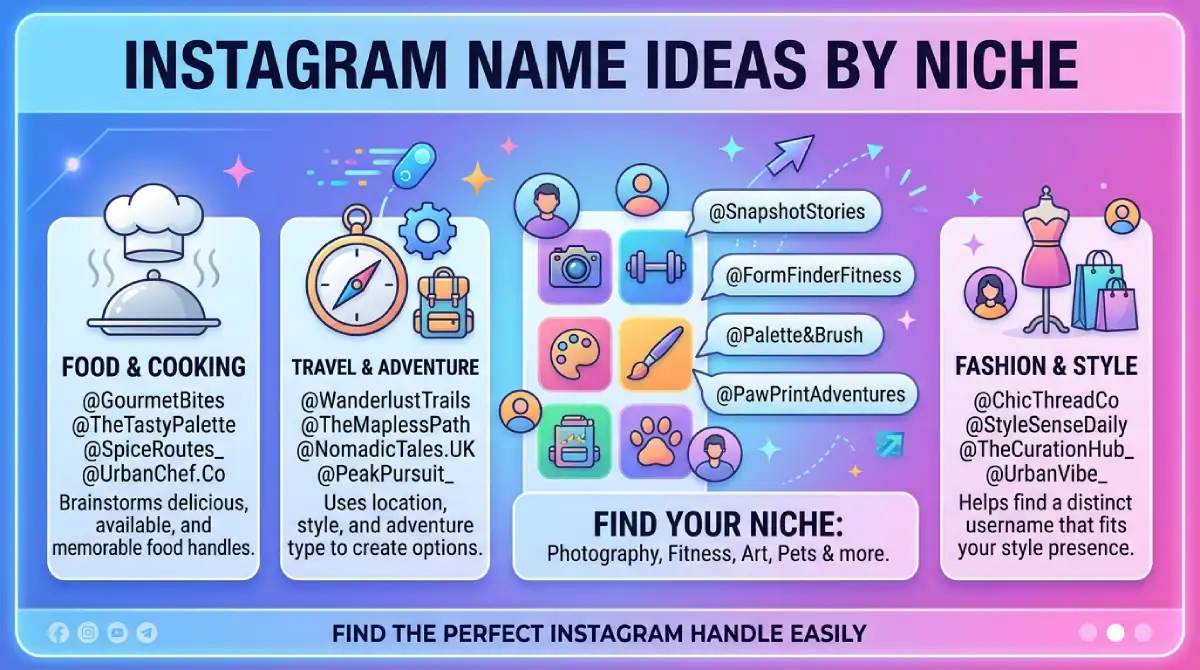
Use these as starting points. Each one is a pattern, so check that the exact handle is free before you use it.
Personal and Aesthetic Accounts
@softmorning.diary
@quietframes
@daily.with.ali
Business and Brand Accounts
@brightleafstudio
@northandnest
@craftedbyzara
Fitness and Food Accounts
@liftwithnoor
@spoonful.stories
@thehealthybite
Travel and Photography Accounts
@roamwithraza
@goldenhour.lens
@pinpoint.trails
Tips for Choosing a Name That Lasts
A good handle works today and still makes sense in three years. Keep these tips in mind:
Keep it short. Short names are easier to type and tag.
Avoid heavy numbers. Strings like “name_8472” look like spam.
Stay consistent. Use the same handle on TikTok, YouTube, and your website if you can.
Skip trends. A slang term may feel dated within a year.
Don’t copy a brand. Names close to a trademark or public figure can cause impersonation problems.
Say it aloud. If it is hard to pronounce, it is hard to share.
What to Do If Your Name Is Taken
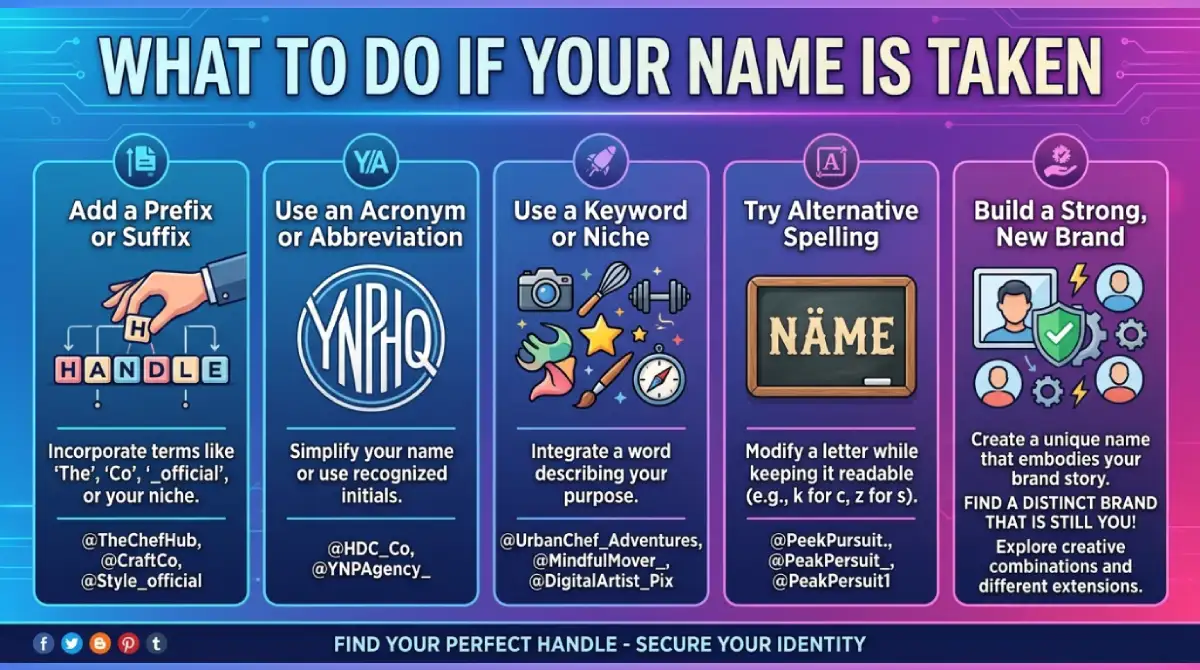
Don’t give up. Try one of these quick fixes:
Add your location, like @coffee.karachi.
Add your role, like @janedoe.design.
Use a period or underscore between words.
Swap one word for a synonym.
Try a short prefix or suffix, such as “the,” “hq,” or “studio.”
Avoid adding random numbers. They weaken your brand.
Can You Trust a Free Instagram Name Generator?
Free tools are safe for brainstorming. They don’t need your Instagram password. If a site asks for your login details, leave. A real generator only needs a keyword or a name.
Treat the output as a draft. The tool gives you raw material, and you decide which name fits your voice and goals.
Frequently Asked Questions
What is the best Instagram name generator?
The best one is the one that lets you add your niche and keywords. Try two or three tools and compare their lists.
Are Instagram name generators free?
Most are free and need no signup. A few lock extra features behind a paid plan.
How many characters can an Instagram username have?
Instagram allows up to 30 characters. You can use letters, numbers, periods, and underscores.
Can I use emojis in my Instagram username?
No. Emojis only work in your display name, not your username.
Does a generator check if the name is available?
Usually not. Always confirm in Instagram’s username field before you commit.
Can I change my Instagram username later?
Yes, you can edit it in your profile settings. Check the app for current change limits, and update any links that use your old handle.
What is the difference between a username and a display name?
The username is your unique handle and appears in your link. The display name is not unique and is searchable, so it suits keywords.
Conclusion
A good Instagram name generator saves time, but your own judgment makes the final call. Know the rules, run several batches, and shortlist a few handles. Then check availability, say each name out loud, and pick the one that is short, clear, and easy to remember.
Open Instagram, type your top choice, and claim it before someone else does.

Emma Carter is a social media content writer and Instagram enthusiast who loves creating creative, stylish, and unique bio ideas. She helps Instagram users find the perfect words to express their personality, mood, style, and vibe.
At Bios4IG, Emma shares fresh Instagram bio ideas, captions, and profile inspiration designed to make your Instagram profile stand out.




No Comment! Be the first one.