



Heart Font Style: Best Types, Free Sources & Design Tips
A heart font style can turn a plain message into something warm and personal. You see it on wedding invitations, Valentine’s Day cards, Instagram bios, and craft projects.
Table Of Content
- Heart Font Style: Best Types, Free Sources & Design Tips
- What Is a Heart Font Style?
- Types of Heart Font Styles
- Heart Symbols You Can Copy and Paste
- How to Type Heart Symbols and Fonts
- Where to Find Free Heart Fonts
- Best Ways to Use Heart Fonts
- Design Tips for Better Results
- Common Mistakes to Avoid
- Frequently Asked Questions
- Conclusion
But “heart font” means different things to different people. Some want letters with tiny hearts built in. Others want a heart symbol to copy and paste. This guide covers both, so you can pick the right option and use it well.
What Is a Heart Font Style?
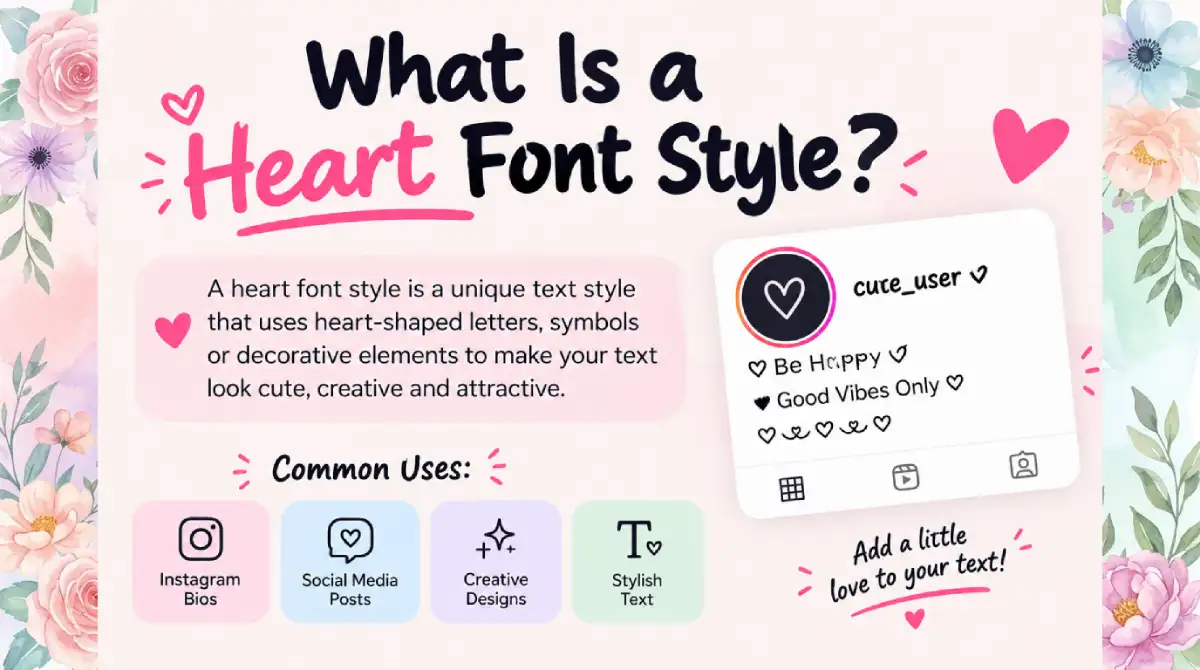
A heart font style is any typeface or text treatment that uses heart shapes as part of the design. The heart might replace the dot on an “i”, sit inside a letter, or form the whole character.
The term also covers three related things:
Decorative fonts with hearts built into the letters
Symbol fonts (dingbats) that map keys to heart icons
Unicode heart characters you can copy into any app
The style ranges from subtle to bold. A small heart on one letter feels refined. A font where every letter is heart-shaped feels playful.
Types of Heart Font Styles
Choosing the right type saves time. Here is a quick comparison.
| Style | Look and Feel | Best For |
|---|---|---|
| Script with heart accents | Flowing, handwritten, romantic | Wedding invitations, love notes |
| Bold display heart font | Thick, chunky, high impact | Posters, T-shirts, banners |
| Hand-drawn or doodle hearts | Casual, cute, imperfect | Journals, kids' crafts, stickers |
| Outline or hollow hearts | Light, modern, clean | Logos, minimalist cards |
| Symbol (dingbat) fonts | Icons mapped to keys | Borders, bullet points, decoration |
| Heart-shaped letter fonts | Every letter forms a heart | Short headlines only |
For most projects, a script or hand-drawn font with a few heart details works better than a font that is all hearts.
Heart Symbols You Can Copy and Paste
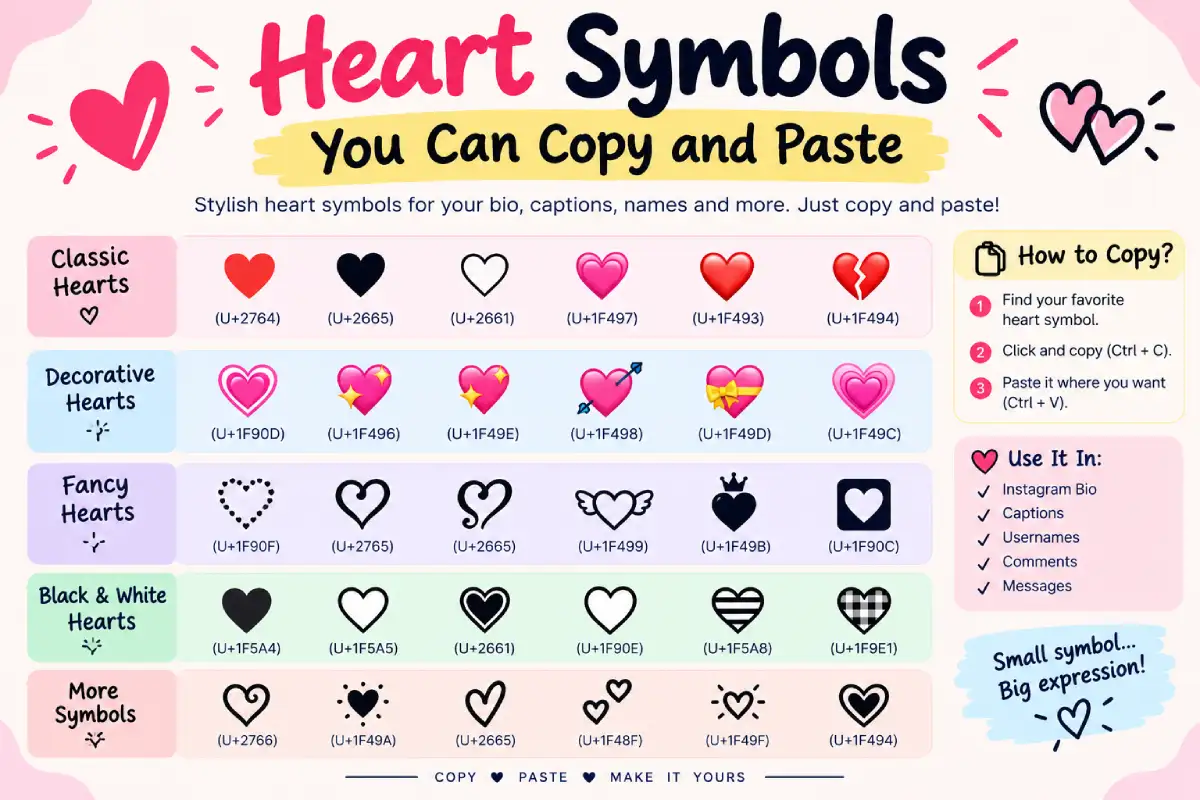
You do not always need to download anything. Unicode includes several heart characters that work in most apps, websites, and social platforms.
| Symbol | Name | Unicode |
|---|---|---|
| ♥ | Black heart suit | U+2665 |
| ♡ | White heart suit | U+2661 |
| ❤ | Heavy black heart | U+2764 |
| ❣ | Heavy heart exclamation | U+2763 |
Highlight the symbol, press Ctrl+C (Cmd+C on Mac), then paste it where you need it. How it looks depends on the device, since each platform draws it in its own font.
How to Type Heart Symbols and Fonts
The easiest method depends on your device. Try these steps:
Windows: Press Windows key + period (.) to open the emoji and symbol panel, then search “heart”.
Mac: Press Control + Command + Space to open the Character Viewer.
Phone: Open the emoji keyboard and pick a heart, or install a symbol keyboard.
Design software: Open the Glyphs panel (Illustrator, Photoshop, InDesign) or Character Map on Windows and double-click a heart glyph.
Websites: Use the HTML entity ♥ for ♥ in your code.
If you want styled heart text for a bio or caption, a heart font generator converts your words into decorative Unicode text. Keep in mind that those are special characters, not true fonts. Screen readers may read them awkwardly, so avoid using them for important information.
Where to Find Free Heart Fonts
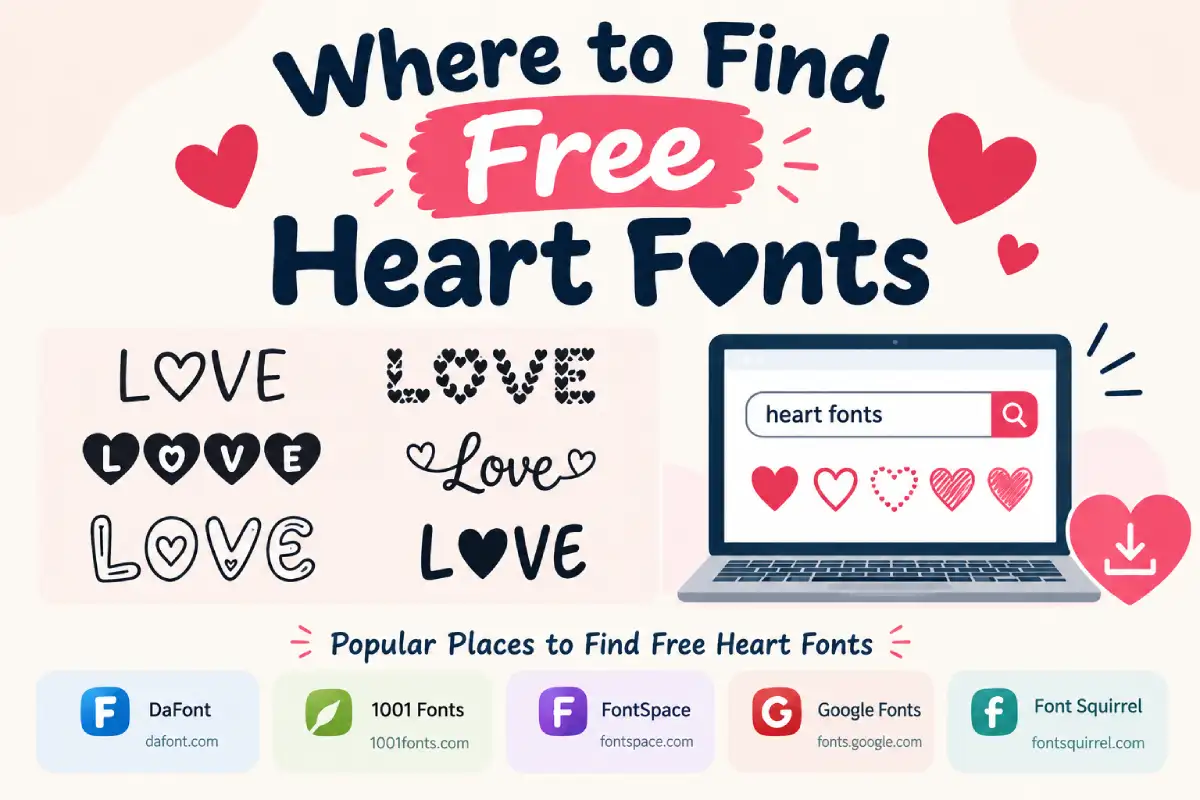
Several libraries offer heart fonts you can download and install:
DaFont: A large archive with a dedicated “love” and “holiday” category. Many fonts are free for personal use only.
FontSpace: Includes licence details on each font page, which makes checking easier.
Google Fonts: Not heart-specific, but its script fonts (such as Great Vibes, Dancing Script, and Pacifico) pair well with heart symbols and are free for commercial use.
CufonFonts and similar sites: Offer previews and SVG copy tools, so you can test text before installing.
MyFonts: A paid marketplace with professionally designed options and clear licences.
Always read the licence before you use a font in anything you sell. “Free for personal use” usually does not cover logos, products, or client work.
Best Ways to Use Heart Fonts
Heart fonts shine when the message is emotional or celebratory. Popular uses include:
Wedding stationery: Save the dates, invitations, and place cards
Valentine’s Day designs: Cards, social posts, gift tags
Craft projects: Cricut and Silhouette cutting files, vinyl decals, and SVG designs
Social media: Instagram stories, Pinterest pins, profile bios
Branding: Bakeries, florists, boutiques, and charity logos
Digital planners and journals: Headers and dividers
Most fonts come as TTF or OTF files, which work in Canva, Word, Photoshop, and Illustrator. Cutting machines often need SVG, so check the file type first.
Design Tips for Better Results
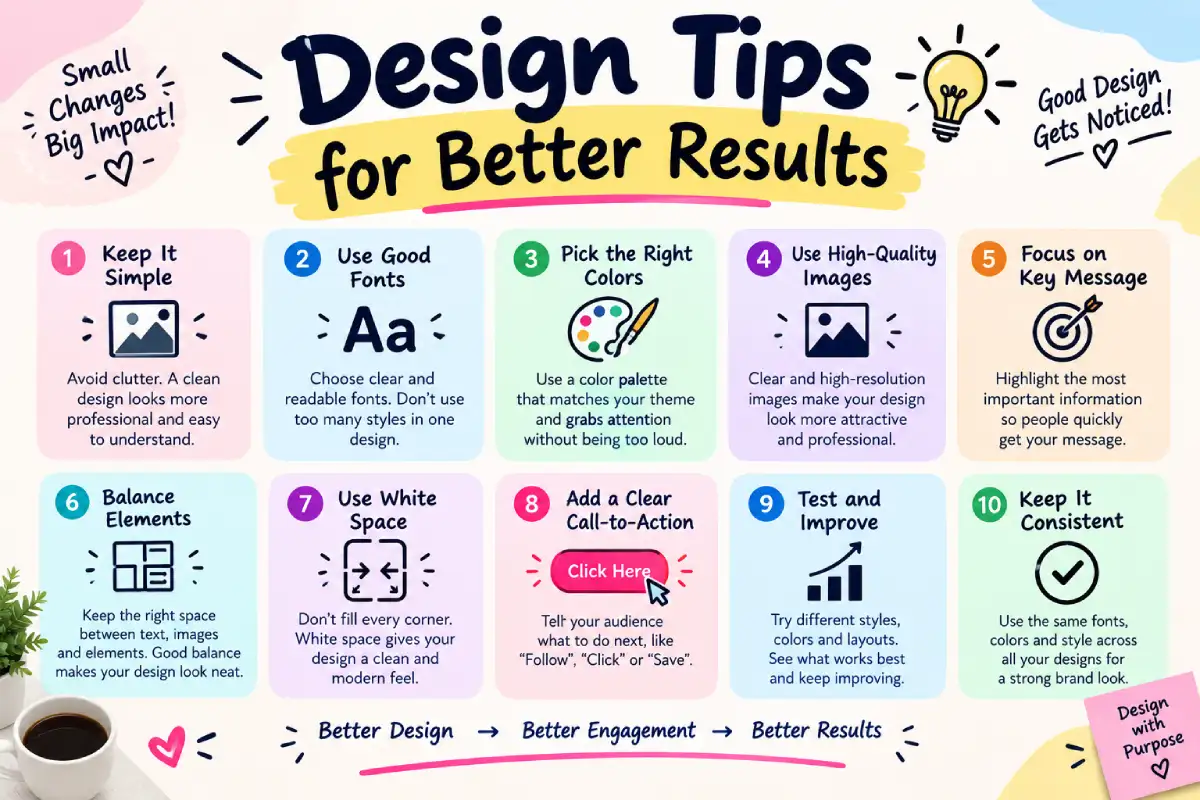
A few simple habits keep your design readable and polished:
Use heart fonts for headlines, not body text. Pair them with a clean serif or sans-serif for paragraphs.
Limit yourself to two or three fonts. More than that looks messy.
Test at different sizes. Fine heart details can disappear when text shrinks.
Check contrast. Light pink on white is hard to read. Dark red, deep rose, or white on a bold background works better.
Mind the spacing. Add a little extra letter spacing so hearts do not crowd nearby letters.
Keep it short. A heart font works best for a few words, not whole sentences.
Common Mistakes to Avoid
Using a heart font on a serious or formal document
Ignoring the licence on commercial projects
Mixing several decorative fonts in one layout
Forgetting that copied symbols look different on iPhone, Android, and Windows
Typing long paragraphs in an ornamental font
A good rule of thumb: if a reader has to squint, the font is too decorative for that job.
Frequently Asked Questions
What is a heart font?
A heart font is a typeface that uses heart shapes in or as its letters. It can also mean a symbol font that outputs heart icons.
Where can I download heart fonts for free?
DaFont, FontSpace, and CufonFonts offer free options. Check each licence, since many are for personal use only.
How do I copy and paste a heart symbol?
Highlight a heart such as ♥ or ❤, copy it with Ctrl+C or Cmd+C, and paste it with Ctrl+V or Cmd+V.
Can I use heart fonts in Canva or Word?
Yes. Install the TTF or OTF file on your device, restart the app, and the font appears in your list. Canva Pro also lets you upload fonts.
Are heart font generators real fonts?
No. They swap letters for Unicode lookalikes, which may display differently across apps and read poorly with screen readers.
Can I use a heart font in a logo?
Only if the licence allows commercial use. Buy a commercial licence or choose a font released under an open licence.
Which fonts pair well with heart fonts?
Simple sans-serifs and classic serifs keep text readable. Let the heart font handle the headline and the plain font carry the details.
Conclusion
A heart font style adds warmth fast, but it works best when used with care. Match the style to the occasion, keep body text simple, and always check the licence before commercial use.
Start with a copy-and-paste heart symbol if you need a quick fix. Move to a script or hand-drawn heart font when you want a stronger look. Test your design at real size, and you will end up with something that feels sincere and reads clearly.

Emma Carter is a social media content writer and Instagram enthusiast who loves creating creative, stylish, and unique bio ideas. She helps Instagram users find the perfect words to express their personality, mood, style, and vibe.
At Bios4IG, Emma shares fresh Instagram bio ideas, captions, and profile inspiration designed to make your Instagram profile stand out.




No Comment! Be the first one.