



New Name Style: Stylish Ideas, Fonts and Symbols to Copy
Plain usernames get lost in a crowded feed. A new name style fixes that in seconds. With the right fonts, symbols, and layout, your name looks sharper in games, bios, and chats.
Table Of Content
- New Name Style: Stylish Ideas, Fonts and Symbols to Copy
- What Is a New Name Style?
- Is a Stylish Name a Real Font?
- 25 Stylish Name Examples You Can Copy
- Cursive and Script Names
- Small Caps and Minimal Names
- Gaming Name Styles
- Aesthetic Names for Instagram and TikTok
- How to Create Your Own Name Style
- Quick Tips for a Better Result
- How to Choose a Name Style That Fits You
- Match the Style to Your Personality
- A Simple Test Before You Commit
- Platform-Specific Tips
- For Gaming Profiles
- For Instagram, TikTok and Discord
- For Professional Use
- Common Mistakes to Avoid
- Conclusion
- Frequently Asked Questions
This guide shows you what a stylish name really is, which styles are popular in 2026, and 25 ready-to-copy examples. You will also learn how to build your own and avoid the mistakes that make fancy names fail.
What Is a New Name Style?
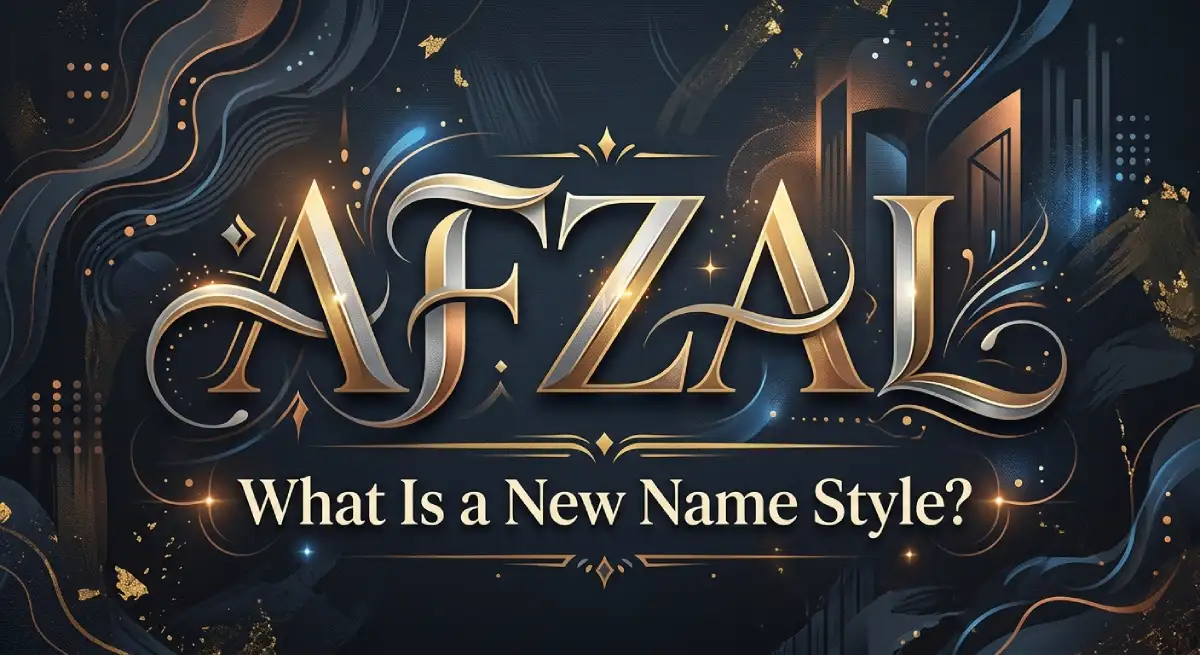
A new name style is a decorated version of your name made with special Unicode characters, symbols and spacing. It changes how your name looks without changing the name itself. You type it once, copy it, and paste it into any app that accepts text.
Here is the same name in different styles:
Script: 𝓐𝓵𝓮𝔁
Small caps: ᴀʟᴇx
Bubble: Ⓐⓛⓔⓧ
Double-struck: 𝔸𝕝𝕖𝕩
Gothic: 𝔄𝔩𝔢𝔵
Wide: Alex
Is a Stylish Name a Real Font?
Not really. Most generators swap each letter for a similar-looking Unicode character. That is why the result survives copy and paste, while normal bold or italic formatting usually gets stripped.
25 Stylish Name Examples You Can Copy
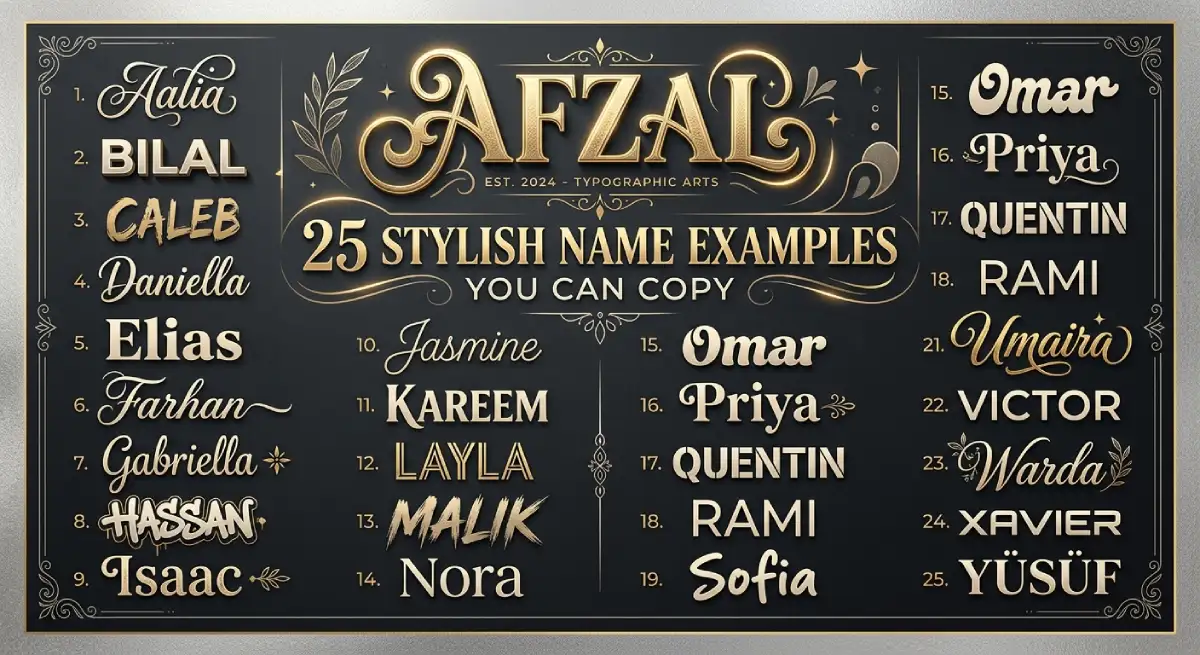
Replace these with your own name or nickname. Short names work best.
Cursive and Script Names
1. 𝓢𝓱𝓪𝓭𝓸𝔀
2. 𝓛𝓾𝓷𝓪
3. 𝓡𝓸𝔂𝓪𝓵
4. 𝓝𝓸𝓿𝓪
5. 𝓩𝓮𝓷
Small Caps and Minimal Names
6. ꜱʜᴀᴅᴏᴡ
7. ʟᴜɴᴀ
8. ɴᴏᴠᴀ
9. ᴢᴇɴ
10. ᴋɪɴɢ
Gaming Name Styles
11. ꧁༒Shadow༒꧂
12. 彡Ghost彡
13. ★Viper★
14. ♛Savage♛
15. ⚡Storm⚡
16. 《Phantom》
17. ༺Reaper༻
18. ⚔Raven⚔
Aesthetic Names for Instagram and TikTok
19. ✿Luna✿
20. ☾Mira☽
21. ♡Aria♡
22. ❀Noor❀
23. ✦Zara✦
24. ☁Dreamer☁
25. ⋆Sana⋆
How to Create Your Own Name Style
Follow these steps. The whole process takes about two minutes.
Pick a base name. Choose something short, easy to say and easy to spell.
Open a fancy text generator. Type your name and scroll through the previews.
Choose one style. Stick to a single font style so the name stays clean.
Add symbols sparingly. One pair of side symbols is enough.
Copy and paste. Paste it into your profile, then check how it looks.
Test on another device. Some phones and apps cannot show every character.
Quick Tips for a Better Result
Keep it under 12 characters where possible.
Match the style to the platform: dark symbols for games, soft ones for lifestyle profiles.
Use only one or two symbols per name.
Avoid copying a famous player’s name exactly. A unique name is easier to remember.
How to Choose a Name Style That Fits You
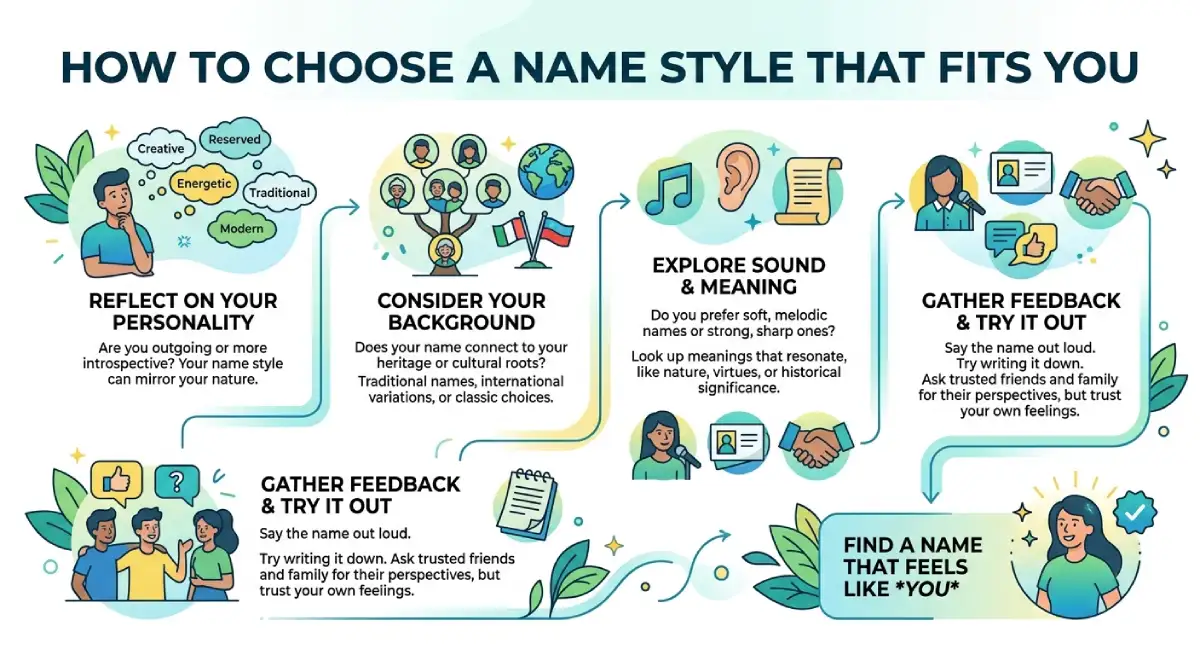
The best style is the one that matches who you are online. Ask yourself three quick questions before you copy anything.
What is the purpose? A gaming name can be bold and loud. A creator or business profile should look clean and professional.
Who will see it? Friends forgive playful symbols. Clients and followers prefer names they can read and remember at a glance.
How long will you keep it? Trends change fast. A simple name with light styling stays fresh much longer than one covered in decorations.
Match the Style to Your Personality
Confident and competitive: small caps or symbol-framed names such as ★Viper★.
Calm and creative: script styles and soft symbols such as ✿Luna✿.
Dark and mysterious: gothic letters with minimal symbols, used carefully so the name stays readable.
Simple and professional: plain text with one small accent, or no decoration at all.
A Simple Test Before You Commit
Paste your finished name into a notes app, a chat and your target profile. Then ask a friend to read it aloud and search for it. If everything displays correctly and your friend can find you in under ten seconds, the style is ready.
Platform-Specific Tips
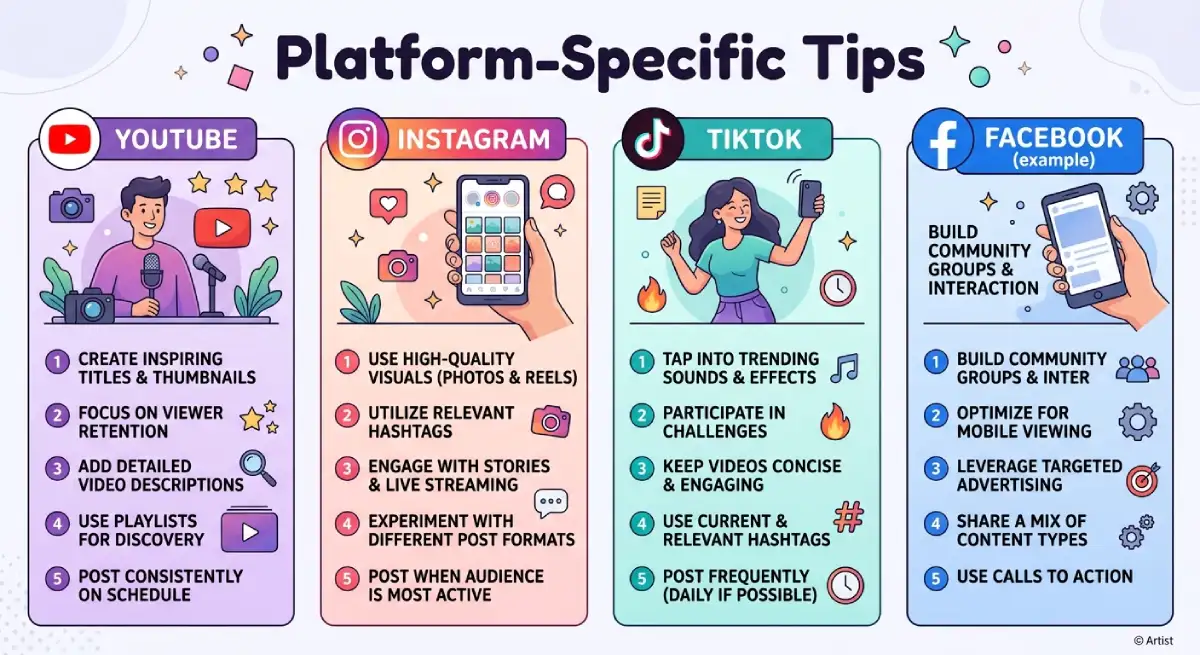
Each app treats special characters a little differently, so a few small habits save time and money.
For Gaming Profiles
Short names read best in lobbies and kill feeds. Long, heavily decorated names often get cut off on smaller screens. Since some games charge for a rename, save your final choice in a notes app and test it on a friend’s device first.
For Instagram, TikTok and Discord
Display names and bios are the safest places for styled text. Keep your actual username simple so people can search and tag you easily. If you run a brand or portfolio, use fancy text only as an accent in the bio, never for the business name itself.
For Professional Use
Email signatures, résumés and job profiles should stay in plain text. Recruiters and automated systems may not recognize styled characters, and that could cost you a message or an opportunity.
Common Mistakes to Avoid
A stylish name can backfire. Watch out for these problems:
Too many symbols. A cluttered name is harder to read and easier to forget.
Unreadable fonts. Heavy gothic styles look cool but confuse people.
Missing characters. Some devices show empty boxes instead of letters.
Poor searchability. Friends may not find you if your name uses styled letters. Keep a plain-text version in your bio or tag line.
Accessibility issues. Screen readers often announce styled letters by their technical names, which sounds confusing. Do not style anything important, like a phone number or link.
Conclusion
A good new name style is simple. Pick a short name, choose one clean font, add a light touch of symbols, and test it where it will be used. Do that, and your name stands out without losing readability.
Start with the examples above, tweak them to match your personality, and keep a plain version of your name available so people can still find you.
Frequently Asked Questions
What is the best new name style for Instagram?
Script and small caps styles look clean and are easy to read. Pair one with a simple symbol like ✦ or ☾.
How do I copy and paste a stylish name?
Type your name in a fancy text generator, tap the style you like, copy it, and paste it into your profile field.
Are stylish names real fonts?
No. They are special Unicode characters that look like fonts, which is why they can be pasted almost anywhere.
Why does my stylish name show boxes or question marks?
Your device or app does not support some of the characters. Try a simpler style or a different device.
Can I use a stylish name in Free Fire or PUBG?
Usually yes, but renaming may cost diamonds or require a Rename Card. Test the name first and check the game’s current rules.
Do stylish names affect searchability?
They can. Styled letters may not match plain-text searches, so keep your normal name in your bio.
Is fancy text safe for screen readers?
Not always. Screen readers may read each styled letter by its technical name, so avoid it for important information.

Emma Carter is a social media content writer and Instagram enthusiast who loves creating creative, stylish, and unique bio ideas. She helps Instagram users find the perfect words to express their personality, mood, style, and vibe.
At Bios4IG, Emma shares fresh Instagram bio ideas, captions, and profile inspiration designed to make your Instagram profile stand out.




No Comment! Be the first one.