



Instagram Bio Free Fire: 80+ Copy-Paste Ideas for Every Gamer
A stranger lands on your profile. You have about three seconds to make them stay.
Table Of Content
- Instagram Bio Free Fire: 80+ Copy-Paste Ideas for Every Gamer
- What Is a Free Fire Instagram Bio?
- Why Your Free Fire Bio Matters
- Instagram Bio vs Free Fire Signature: What’s the Difference?
- Short and Simple Free Fire Bio for Instagram
- Stylish Free Fire Instagram Bio
- Attitude Bio for Free Fire on Instagram
- Free Fire Instagram Bio for Boys
- Free Fire Instagram Bio for Girls
- Pro Player and Ranked Push Bios
- Squad and Guild Bios
- Free Fire Content Creator Bios
- Hinglish and Roman Urdu Free Fire Bios
- Emoji Guide: What Each One Says About You
- How to Add a Bio on Instagram (Step by Step)
- How to Change Your Free Fire Signature With Colour Codes
- Basic Format
- How to Write Your Own Free Fire Bio in 5 Minutes
- Match Your Bio With the Rest of Your Profile
- Use the Name Field Wisely
- Choose a Clear Profile Photo
- Pin Your Best Content
- Keep the Tone Consistent
- Common Free Fire Bio Mistakes to Avoid
- Stay Safe While Customising Your Profile
- Frequently Asked Questions
- Conclusion
Your Instagram bio is the first thing they read. If you play Free Fire, this small space can show exactly who you are in the lobby: a fast rusher, a patient sniper, a squad leader, or a calm clutch player.
This guide gives you 80+ Free Fire Instagram bio ideas you can copy and paste today. You will also learn the 150-character limit, how the in-game signature is different, how colour codes work, and how to write a bio that sounds like you.
What Is a Free Fire Instagram Bio?
A Free Fire Instagram bio is a short profile description, up to 150 characters, that tells visitors you play Free Fire. It usually mixes your playstyle, a little attitude, a few emojis, and sometimes your squad name or a link to your clips.
Many people confuse it with a “bio code.” A bio code is text you paste into the in-game signature. The Instagram bio and the in-game signature are two separate things. Let’s clear that up first.
Why Your Free Fire Bio Matters
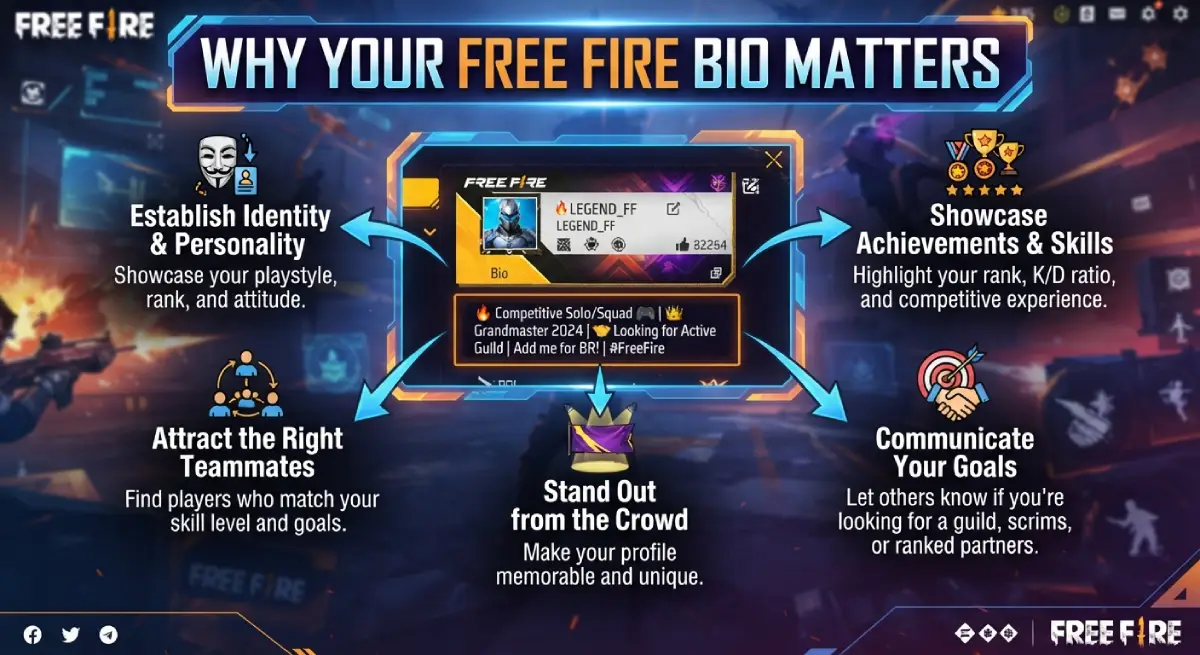
Think of your bio as a loading screen for your profile. It tells people what they are about to see.
A clear bio helps in three ways:
It earns follows. Visitors who share your interest see it in seconds and hit follow.
It attracts teammates. A line like “Duo wanted: calm voice” gets you the right squad, not random invites.
It builds trust. A specific bio feels real. “Heroic push | Clash Squad main” says more than “Best gamer ever.”
Gaming pages that look careless tend to lose people fast. A tidy bio shows you care about your page, and that makes followers care too.
Instagram Bio vs Free Fire Signature: What’s the Difference?
Both are short. Both show your personality. But they live in different apps and follow different rules.
| Feature | Instagram Bio | Free Fire Signature (In-Game) |
|---|---|---|
| Where you edit it | Instagram → Edit profile → Bio | Free Fire → Profile → Edit → Signature |
| Length limit | 150 characters, including spaces and emojis | Much shorter. Most guides say about 50–60 characters, and it can change with updates |
| Colour codes | Not supported | Supported |
| Links | One website field plus a Links section | None |
| Best for | Introducing yourself to followers | Showing style to other players |
The bios in this article are written for Instagram. Most of the short ones also fit the in-game signature if you trim them.
Short and Simple Free Fire Bio for Instagram
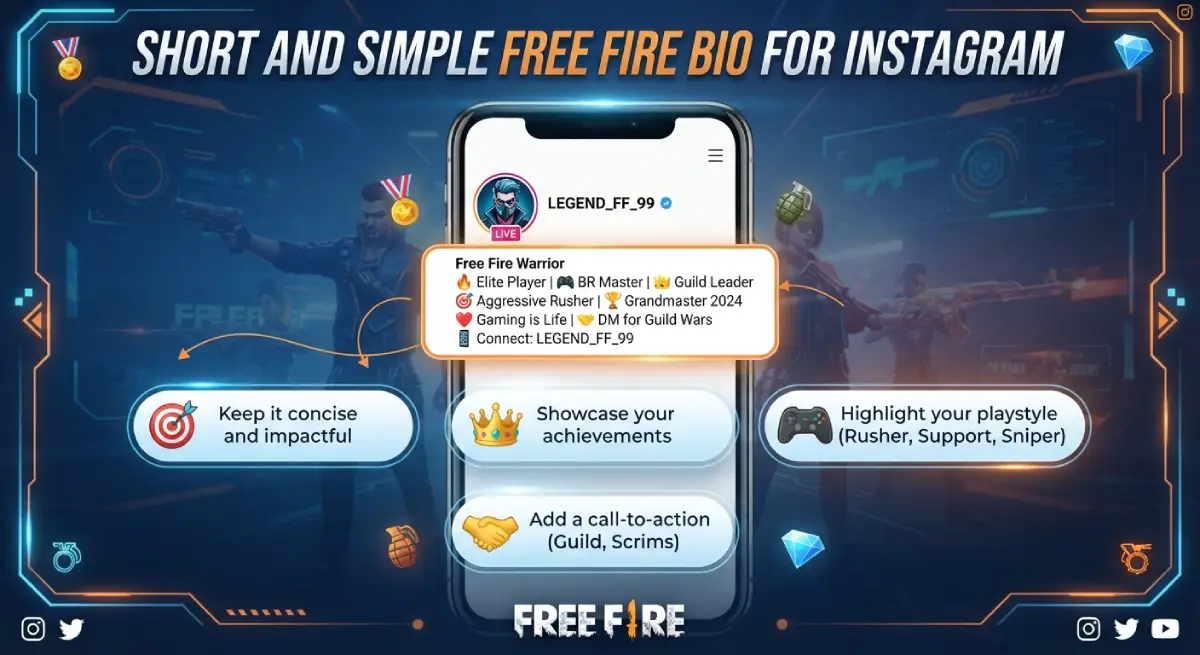
Short bios load fast in the eye. They also leave room for a link or a name in your display field.
1. 🎮 Free Fire player | One more match
2. 🔥 Booyah is my daily routine
3. 🪂 Land fast, think faster
4. 🎯 Calm hands, quick aim
5. 🏆 Last zone lover
6. 🎧 Headphones on, world off
7. 💥 Rush first, questions later
8. 🧠 Smart plays only
9. ⚡ Ping low, spirits high
10. 🗺️ Bermuda is my second home
11. 🏅 Booyah collector
12. 📱 FF player since [year]
13. 🌅 Sunrise lobby, sunset rank push
14. 🛬 Drop hot, leave legendary
15. 🌃 Midnight matches, no regrets
16. 🧭 Compass on, zone in mind
Stylish Free Fire Instagram Bio
Stylish bios lean on clean symbols and a strong mood. Keep the symbols simple so they display properly on every phone.
17. ✦ Night Rush Player ✦ Free Fire
18. 🖤 Dark theme, bright plays
19. ⚡ Fast fingers | Cool head | FF
20. 👑 Classy in life, savage in Clash Squad
21. 🌙 Late-night lobby regular
22. ✧ Play quiet. Win loud. ✧
23. 🔥 Style on, tilt off
24. 🎮 Thumbs of steel | Free Fire
25. 💎 Rare skins, rarer clutches
26. 🕶️ Cool outfit, cooler headshots
27. ⭐ Small screen, big plays
28. 🎨 Outfit collector | Booyah chaser
29. 🌟 Soft look, sharp game
30. 🖤 Minimal words, maximum Booyah
Attitude Bio for Free Fire on Instagram
Attitude works when it sounds confident, not rude. Aim for calm swagger.
31. 😎 My aim talks, I don’t
32. 🔥 Not lucky. Just trained.
33. 💀 Fear is for the other squad
34. 👑 Ranked grind never stops
35. 🧊 Cold mindset, hot trigger
36. 🚫 No excuses, just eliminations
37. 😈 Loot fast, finish faster
38. 🎯 Doubt me, then watch the replay
39. 🐺 Solo wolf, squad ready
40. ⚔️ Respect is earned in the last circle
41. 🔥 Every match feels like the final zone
42. 😤 Lag is never my excuse
43. 🦅 Watching from the high ground
44. 💣 Test my patience, meet my grenade
Not sure which style to pick? Start with the short and simple list, then move to attitude or pro bios once you know your voice. You can always change it later. Many players update their bio after every rank jump or season.
Free Fire Instagram Bio for Boys
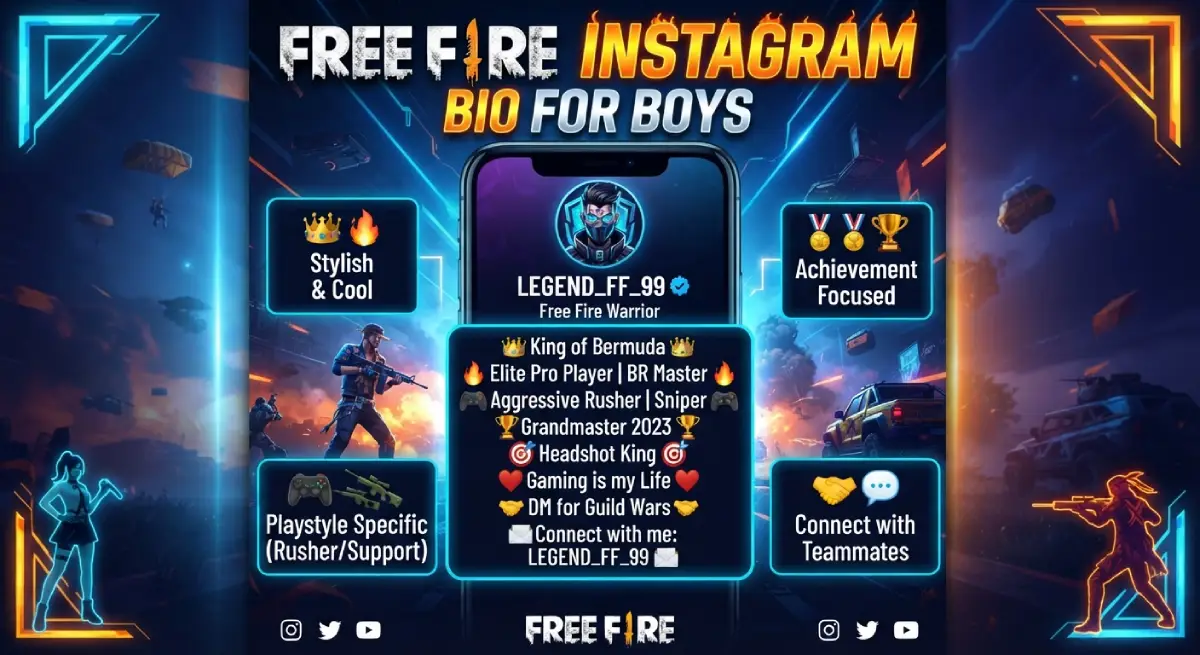
45. 🎮 Gamer boy | Free Fire | Gym
46. 🔥 Rush boy with a calm mind
47. 🧢 Simple life, complicated clutches
48. 💪 Grind now, flex later
49. 🎧 Music on, squad up
50. 🏍️ Bikes, beats and Booyah
51. 😎 Quiet guy, loud headshots
52. 📱 FF by night, dreams by day
53. 🧠 Calm brain, fast thumbs
54. 🚀 Level up, stay humble
Free Fire Instagram Bio for Girls
55. 👸 Girl gamer | Free Fire | Booyah
56. 🌸 Gentle vibes, ruthless aim
57. 💫 Boys’ club? Not in my lobby
58. 🎀 Pink theme, pro plays
59. 🎯 Cute look, cruel headshots
60. 🔥 Queen of the last zone
61. 🎧 Lobby vibes and squad love
62. 💪 Skill first, filters second
63. ✨ Sparkle in life, storm in squad
64. 🌷 Calm smile, clutch mode on
Pro Player and Ranked Push Bios
If you are grinding ranked or playing tournaments, say so. Real proof beats big words.
65. 🏆 Heroic push | Grandmaster goals
66. 📈 Ranked grind: Day [number]
67. 📊 Stats don’t lie
68. 🥇 Tournament player | Open for scrims
69. 🧩 IGL | Strategy first
70. 🔫 AWM | MP40 | Clash Squad main
71. 🎮 Sniper by role, support by heart
72. 📩 Scrims and collabs: DM open
73. 🕹️ Practice daily, play ranked serious
74. 🥈 Silver to Heroic: the journey
Squad and Guild Bios
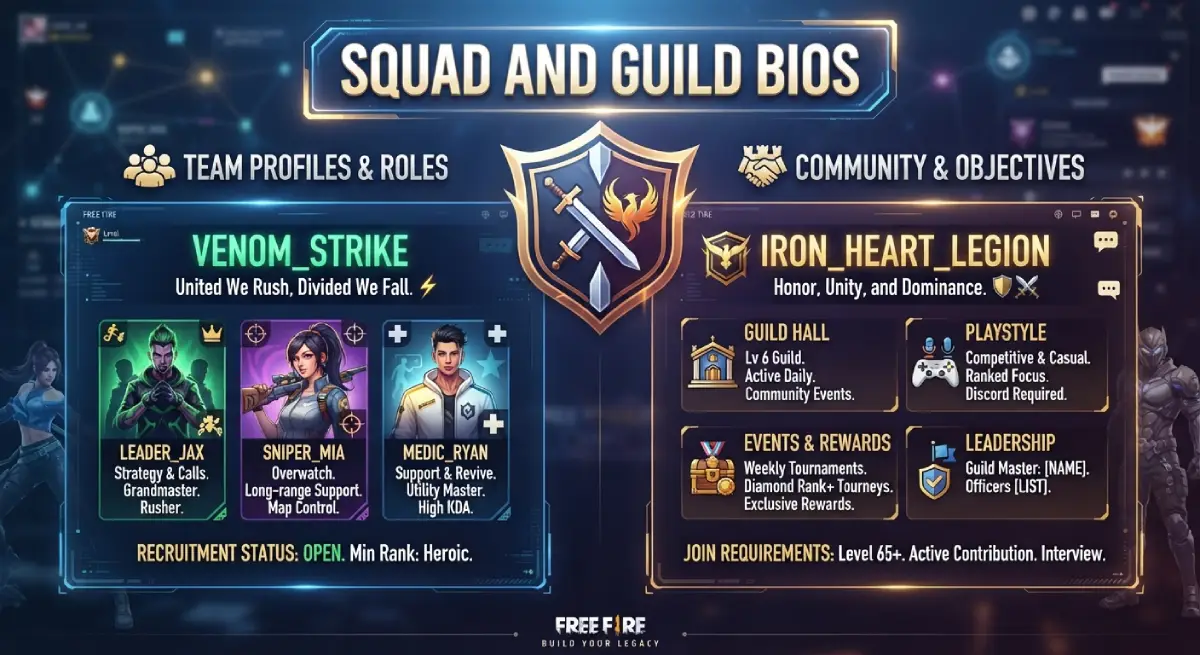
Playing with a team? Let your bio show it.
75. 👥 Squad first, kills second
76. 🛡️ [Guild name] member | Loyal to my team
77. 🤝 Duo wanted: calm voice, no rage-quit
78. 🔥 Four players, one plan, one Booyah
79. 🎙️ Voice chat over text chat
80. 🏁 Recruiting for weekend custom rooms
81. 🚑 Revive first, loot later
82. 📣 Callouts clear, egos low
Free Fire Content Creator Bios
Creators need a bio that tells people what to expect and where to go next. Put your action at the end.
83. 🎥 Free Fire clips | New video every [day]
84. 📺 Live on YouTube at [time]
85. 🎬 Watch me clutch a 1v4 ⬇️
86. 🧠 Tips, tricks and sensitivity settings
87. 📢 Guild recruitment open ⬇️
88. 🤝 Collabs and business: DM
89. 📱 Daily Free Fire shorts ⬇️
90. 🔴 Streaming ranked every weekend
Hinglish and Roman Urdu Free Fire Bios
Many Free Fire players in South Asia mix languages, and it feels natural. These are original lines you can edit freely.
91. 🎮 Game ka shauq, Booyah ka junoon
92. 🔥 Rush apna style, headshot apni pehchan
93. 😎 Khamosh player, dhamakedar aim
94. 👑 Zone ka king, squad ki jaan
95. 🎯 Aim pakka, irada pakka
96. 💪 Mehnat se rank, attitude se style
97. 🎧 Headphone laga, duniya bhula
98. 🏆 Har match mein Booyah ki talash
99. 🔥 Dil se gamer, dimaag se sniper
100. 🌟 Sabr rakho, last zone mera hai
Emoji Guide: What Each One Says About You
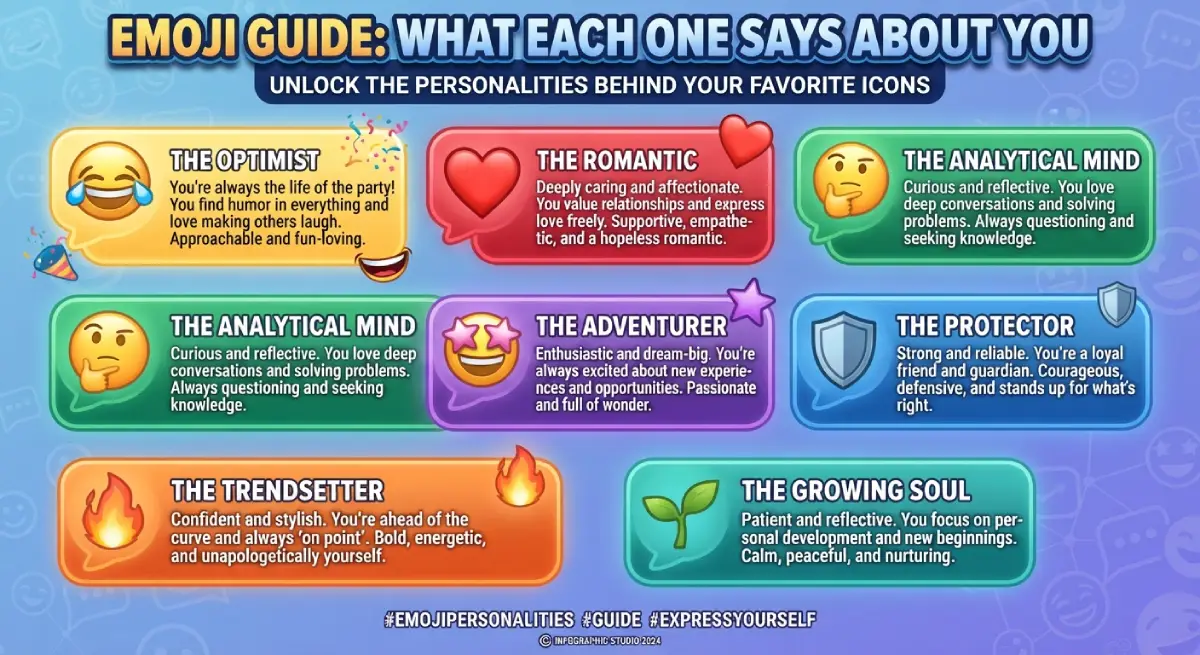
| Emoji | What it suggests | Use it for |
|---|---|---|
| 🎯 | Precision, headshots | Snipers, one-tap players |
| 🔥 | Hype, kill streaks | Rushers, attitude bios |
| 👑 | Rank, confidence | Top fraggers, squad leaders |
| 🪂 | Landing, drop zone | Aggressive early game |
| 🔫 | Gun loadout | Weapon mains |
| 🏆 | Wins, tournaments | Ranked and esports players |
| 🎧 | Voice chat, focus | Team players |
| 🛡️ | Defence, loyalty | Guild and clan bios |
Emojis do a lot of work in a tiny space. Pick ones that match your role.
How to Add a Bio on Instagram (Step by Step)
It takes less than a minute.
Open Instagram and tap your profile photo in the bottom right.
Tap Edit profile.
Tap the Bio box.
Paste or type your bio (up to 150 characters).
Tap the checkmark to save.
On a computer, go to Instagram.com, open your profile, click Edit profile, update the bio box, and press Submit.
How to Change Your Free Fire Signature With Colour Codes
This part happens inside the game, not on Instagram.
Open Free Fire and tap your profile avatar.
Tap the edit icon.
Open the Signature (bio) section.
Paste your text with the colour code before it.
Save, then ask a friend to check how it looks.
Basic Format
A colour code is a six-character hex value inside square brackets, placed before the text you want coloured. For example, [FF0000]Headshot King shows in red.
Some guides use a longer style, such as [b][c][FF0000]Headshot King. Sources do not fully agree on the exact format, so test both if one does not work.
How to Write Your Own Free Fire Bio in 5 Minutes
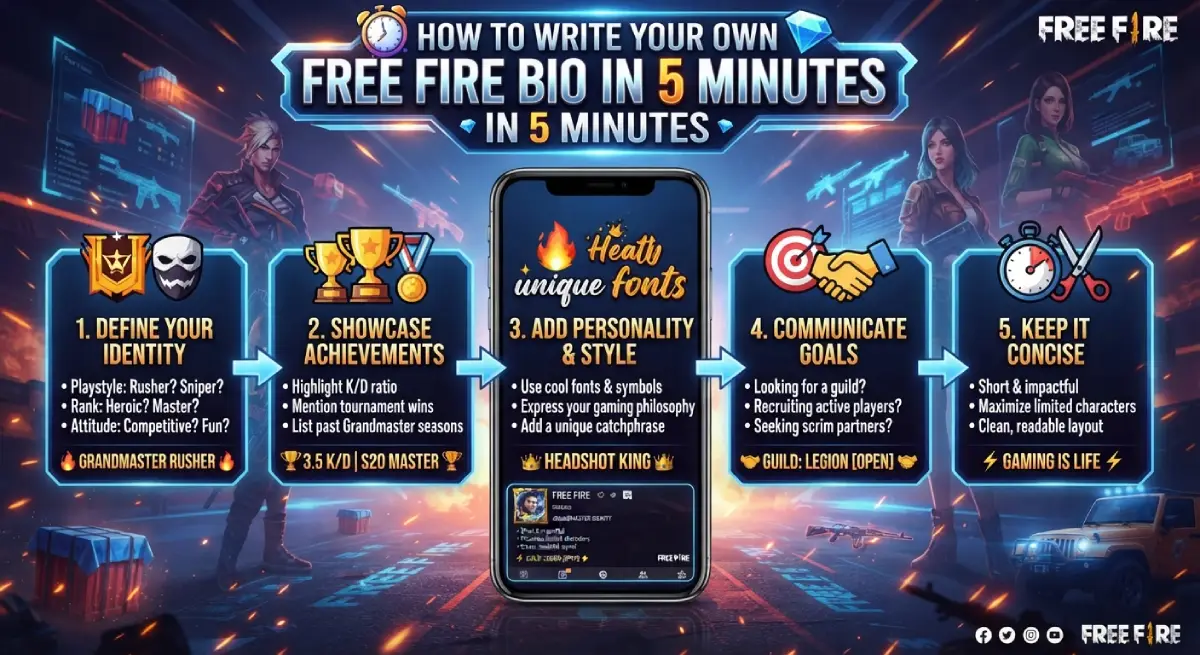
Copy-paste bios are a good start. A custom bio is better because nobody else has it.
Pick your role. Rusher, sniper, IGL, creator, or casual player.
Choose one strong word. Calm, fearless, clutch, silent, fast.
Add one fact. Your rank, your guild, or your channel.
Add one emoji or two. Match them to the role.
Read it out loud. If it sounds awkward, cut a word.
Match Your Bio With the Rest of Your Profile
Your bio does not work alone. Visitors also see your name, username, photo and highlights. Make them tell the same story.
Use the Name Field Wisely
Instagram’s name field is searchable, so it can help people find you. Adding “Free Fire” or “FF” next to your name is a smart move. For example: “Ali | Free Fire”. Your username, however, is limited to 30 characters and only allows letters, numbers, periods and underscores.
Choose a Clear Profile Photo
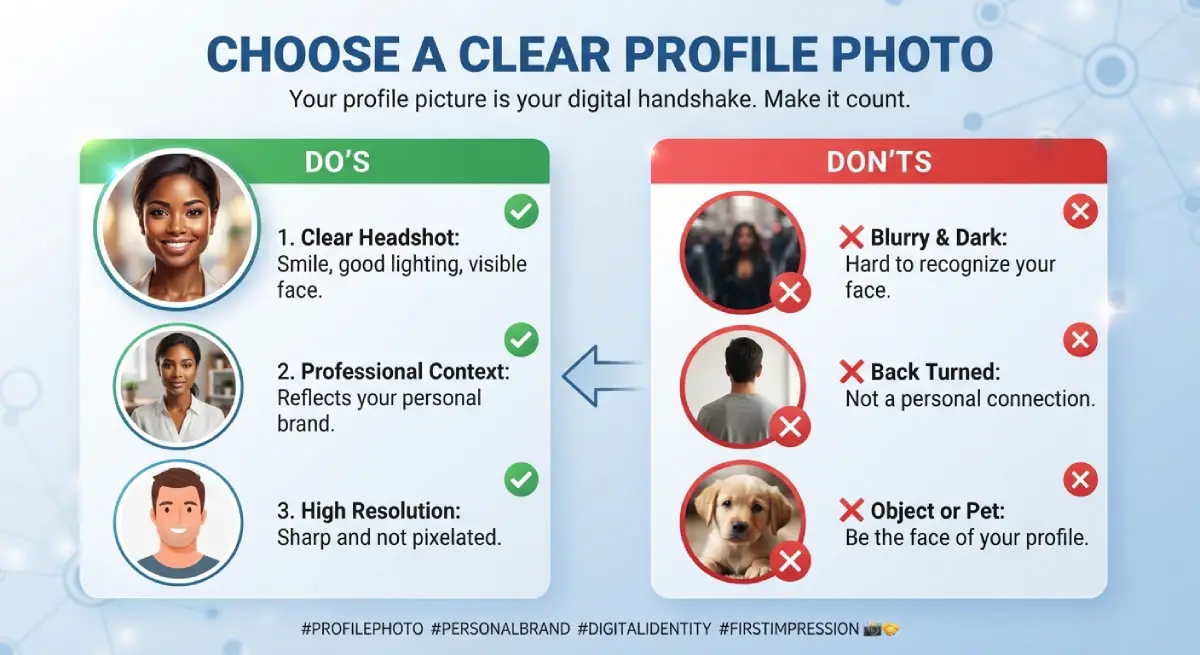
Use a clean gameplay screenshot, your favourite character, or a simple logo. Avoid blurry images. If you are a creator, keep the same picture across YouTube and Instagram so people recognise you.
Pin Your Best Content
Add your best clutch clip or a short intro video to your top posts and highlights. Your bio makes the promise, and your content proves it.
Keep the Tone Consistent
If your bio says “calm sniper” but every post is loud rage, visitors will feel the mismatch. Pick one personality and let it show everywhere.
Common Free Fire Bio Mistakes to Avoid
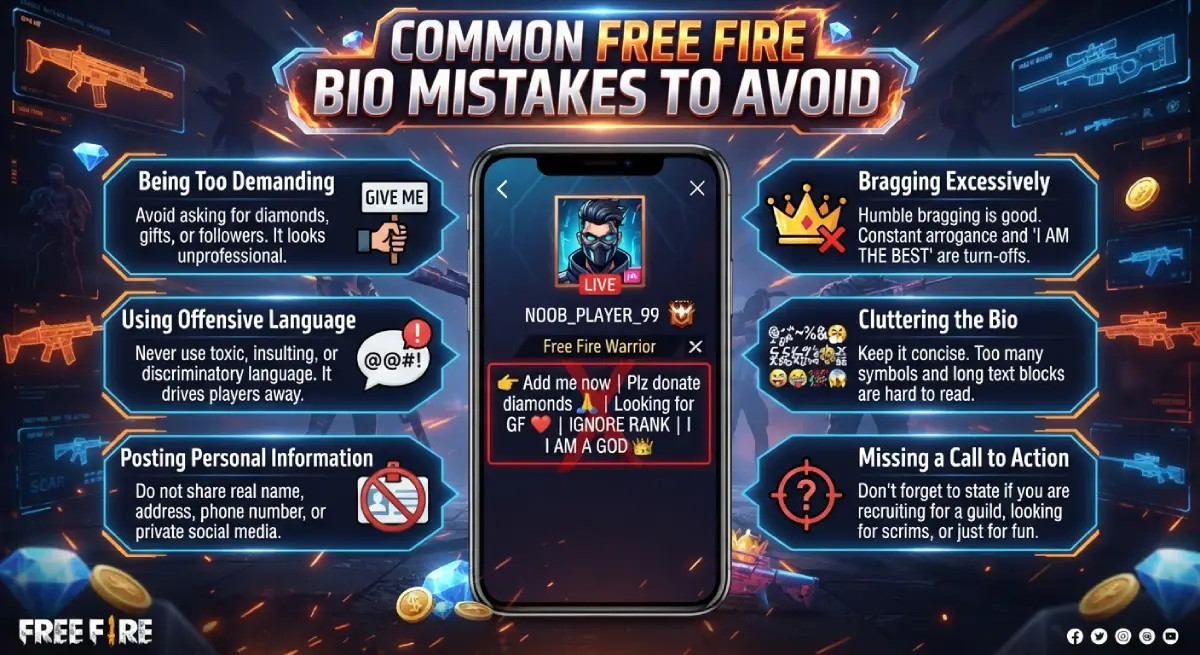
Most weak bios fail for the same few reasons.
Too long. Instagram cuts you off at 150 characters, and readers skim anyway.
Too many emojis. A wall of icons is hard to read.
Fake claims. Followers and teammates notice when stats don’t match.
Unreadable fonts. Fancy Unicode text looks cool, but some phones and screen readers cannot display it. Use it in small doses.
Sharing private data. Your phone number or password never belongs in a bio.
Stay Safe While Customising Your Profile
Bio ideas are harmless. Some websites around them are not.
Free Fire’s official signature editor does not need any third-party site.
Be careful with tools that ask you to log in to change your bio. If you do use one, read what it asks for first.
Ignore “free diamonds” or “unlimited redeem code” offers that appear next to bio lists. They are a common trap.
Never share your password, OTP or account recovery details with anyone.
If you ever lose access to your account, use the official Garena and Instagram help pages.
Frequently Asked Questions
What is the best Instagram bio for Free Fire?
The best bio is short, honest and matches your playstyle. Something like “Calm hands, quick aim” beats a long list of guns and titles.
How many characters can an Instagram bio have?
An Instagram bio can have up to 150 characters. Spaces, emojis and line breaks all count.
Can I use Free Fire colour codes in my Instagram bio?
No. Colour codes only work in the Free Fire signature, not on Instagram.
How long can a Free Fire bio be?
Most guides say about 50 to 60 characters, though the exact limit can change with game updates. Keep it short to be safe.
How do I change my bio in Free Fire?
Open your profile, tap the edit icon, go to the Signature section, paste your text and save.
How do I add a link to my Instagram bio?
Go to Edit profile, tap Links, and add your website, YouTube channel or a link-in-bio page.
Are Free Fire bio codes safe to use?
Colour codes are just text, so they are safe. Avoid sites that ask for your password or promise free diamonds.
Can I use stylish fonts in my Instagram bio?
Yes, you can paste Unicode text from a font generator. Use it lightly, because some devices may show empty boxes instead.
Should I put my Free Fire UID in my Instagram bio?
Only if you want followers to add you in-game. Avoid sharing any other personal details next to it.
Conclusion
A great Free Fire Instagram bio is not about the fanciest emojis. It is about saying one clear thing about who you are as a player.
Pick a style from this list, change a few words, and make it yours. Keep it under 150 characters, stay honest about your rank, and protect your account details.
Then jump back into the lobby. Your next Booyah is waiting.

Emma Carter is a social media content writer and Instagram enthusiast who loves creating creative, stylish, and unique bio ideas. She helps Instagram users find the perfect words to express their personality, mood, style, and vibe.
At Bios4IG, Emma shares fresh Instagram bio ideas, captions, and profile inspiration designed to make your Instagram profile stand out.




No Comment! Be the first one.